Why does your Saudi website appear on Google but get few clicks?
Impressions without clicks can mean several things: the page appears too low, the query does not fit, the result is unclear or the search page already answers the question. Start with the actual query and page data. A low overall click-through rate is not a diagnosis by itself.
In this guide
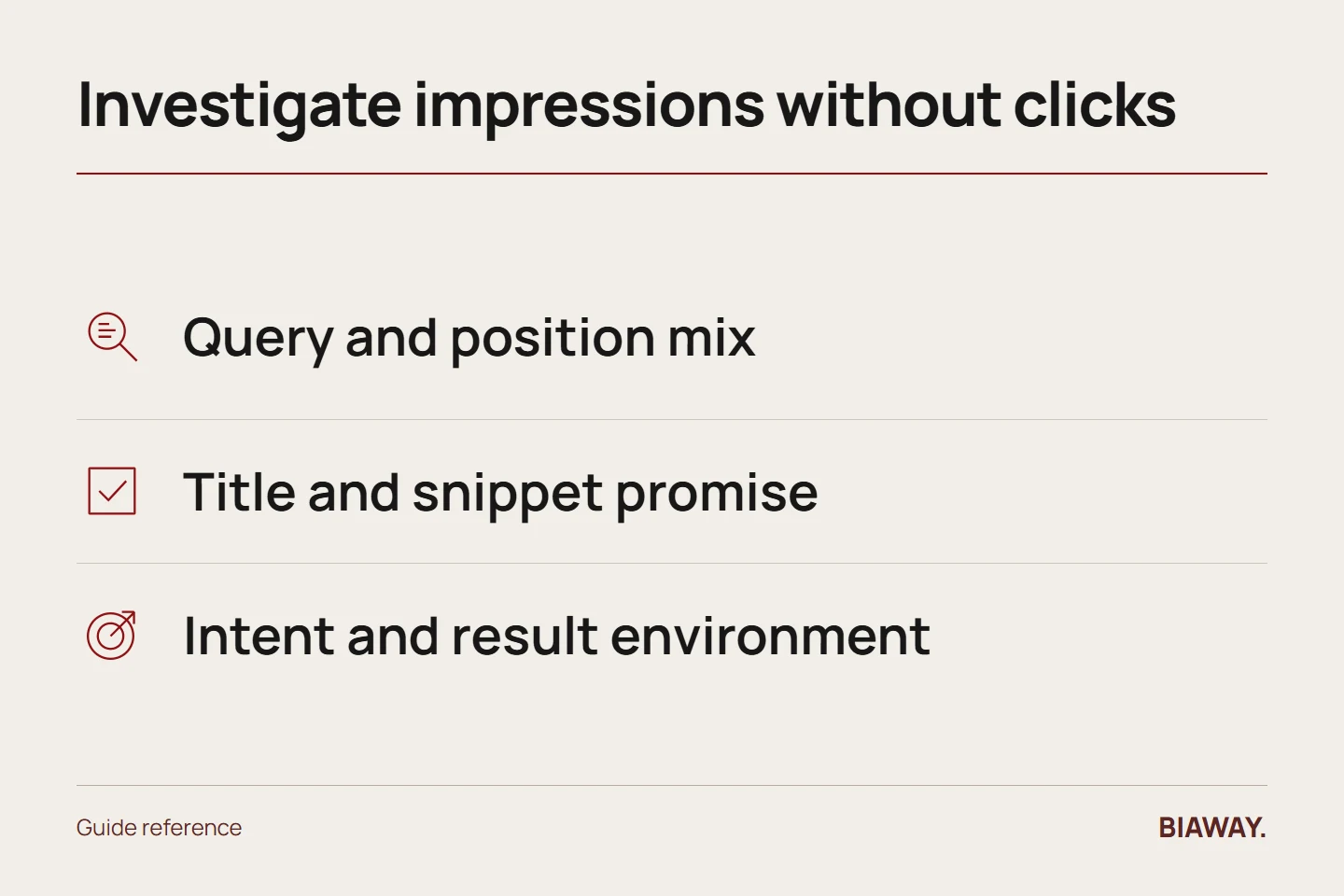
Check the position and query mix
Compare the same page, country, device and complete date periods. Separate brand searches from general service searches where possible. If a page begins appearing for many new queries in lower positions, total impressions may rise while average CTR falls; that does not automatically mean the page became worse.
Look for enough observations to support a decision. One impression and no clicks does not establish a copywriting failure. Record the size and limitations of the sample.
References: Google Search Console: impressions, clicks and position · Google Search Central: title links · Google Search Central: snippets · Google Search visual elements
Inspect what the result promises
Read the visible title and snippet for the relevant query. Does the result describe the actual service or answer? A vague brand slogan may not help someone comparing costs. An exaggerated price promise may attract clicks that the page cannot satisfy.
Write a clear page-specific title and concise description, and make the opening content support them. Google may generate title links and snippets from page content, so the text you supply is influential rather than a guaranteed fixed display.
Check the intent and search environment
Identify whether the query asks for a quick fact, a tutorial, a supplier or a local visit. Notice other result formats, including Maps, videos and answer features, without assuming their presence proves why every user did not click.
If the page is a supplier pitch but the query asks for an explanation, improve the answer or assign the query to a more suitable page. Do not make the title sound like a guide when the destination contains only a sales form.
Make Saudi relevance specific
For a buyer asking about a service in Hofuf or Mubarraz in Al Ahsa, the result should lead to accurate coverage details. The same applies to Dammam and Khobar. If Riyadh and Jeddah are served remotely, use wording that reflects that model. Mentioning Saudi Arabia can clarify the market, but putting all cities into a title can make it unreadable without solving intent mismatch.
Run a controlled improvement
Save the original title, description and page introduction. Make a focused change, record the date and compare later observations with suitable context. Avoid changing the URL merely to test a title. If the result is not yet recrawled, distinguish that from a failed experiment.
Review click quality as well as count. More visits from the wrong audience are not necessarily progress. A successful change should help the intended buyer recognize an accurate answer and take an appropriate next step.
References: Google Search Console: impressions, clicks and position · Google Search Central: title links · Google Search Central: snippets · Google Search visual elements
How this guide was prepared
Prepared with AI assistance, with platform and accessibility claims checked against the primary sources below at publication. The planning frameworks are Biaway’s editorial recommendations. Examples labelled illustrative are not client stories or measured results. Platform features and requirements can change.
Your questions.
01Should I use clickbait to increase CTR?
No. A misleading promise can create unsuitable visits and damage trust. Make the result specific and truthful.
02Will a meta description always appear exactly as written?
No. Google can choose text based on the query and page content, so treat it as a useful suggestion rather than a fixed advertisement.