How can you check whether your Saudi website is mobile-friendly?
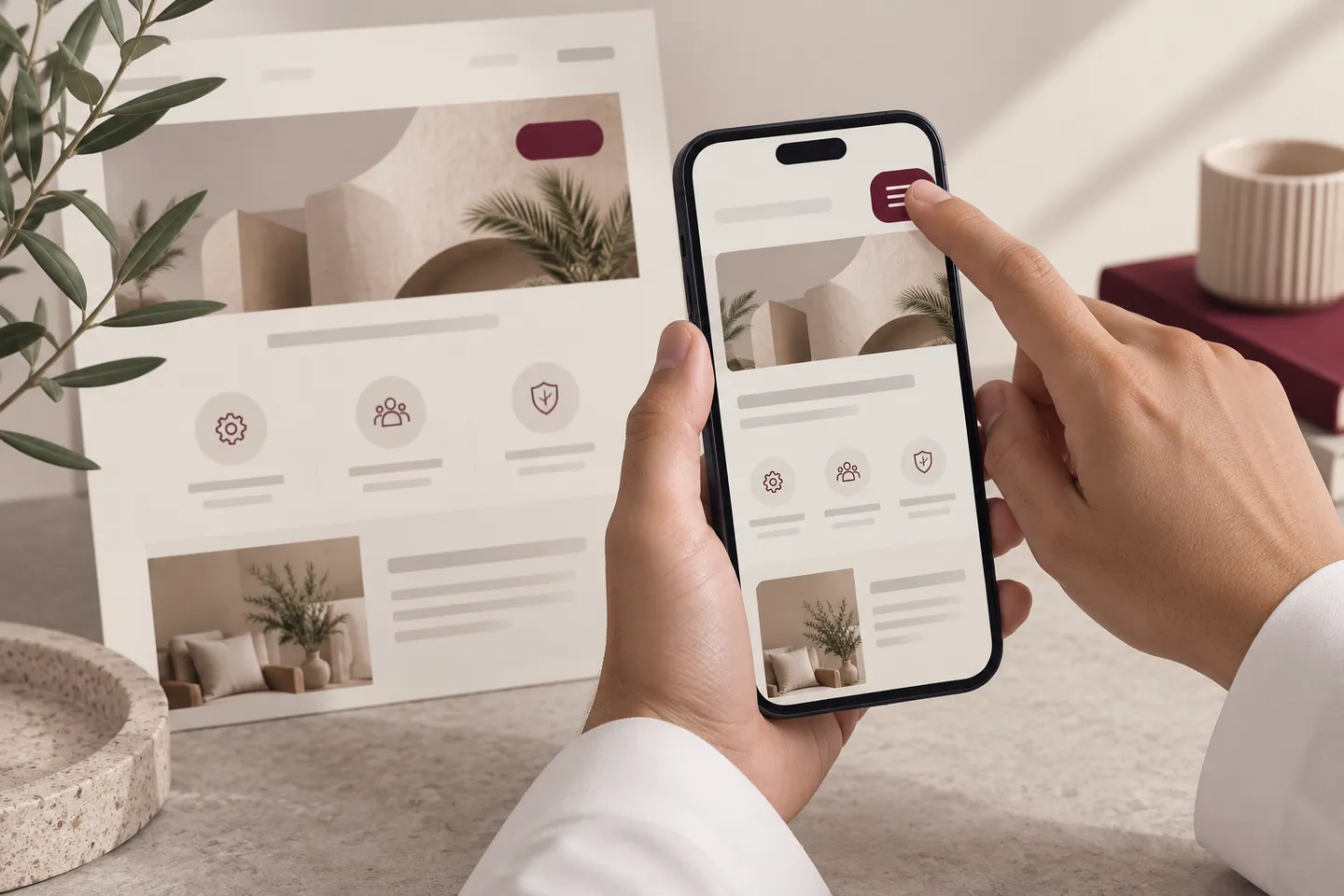
Use a real customer task on a real phone. A page that fits inside the screen can still fail when the menu will not close, a form loses its values or the Arabic text becomes unreadable. Combine visual inspection, interaction tests and performance evidence instead of relying on one screenshot or score.
In this guide
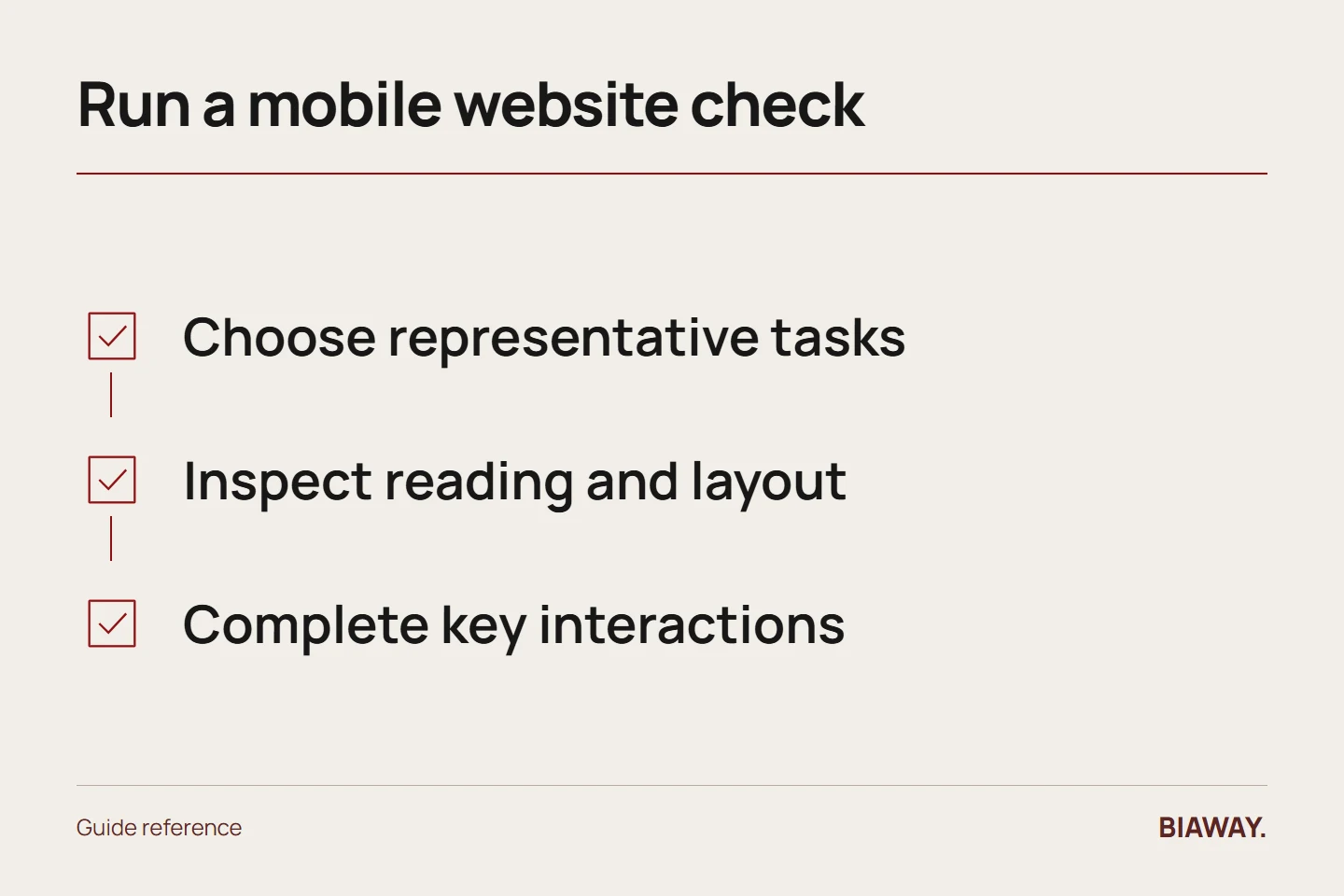
Prepare a short test script
Choose the homepage, one important service page, one article or product page and the contact route. Test Arabic and English where both are offered. Write the task in plain language: find the service scope, understand the price basis and submit an authorized dummy enquiry.
Use the devices and browsers available to you, and record their details. A desktop responsive emulator is useful for checking widths, but it does not replace all real-device behavior. Note what you could not test.
References: MDN: responsive web design · W3C WAI: forms tutorial · web.dev: Web Vitals
Inspect reading and layout
Check whether text is readable without zooming, headings wrap sensibly and tables can be understood. Look for unwanted horizontal scrolling, clipped Arabic characters, overlapping cards and images stretched out of proportion. Rotate the device if that is relevant to the site.
Use actual long content, not only short placeholder text. A design that works for 'Contact' can fail for a longer Arabic label or an email address. Phone numbers and mixed-direction strings should remain understandable.
Complete the interactions
Open and close navigation, follow service links, switch language and return to the equivalent page. Test form labels, keyboard behavior, validation messages and the ability to correct an error without losing all entered information. Check consent controls and floating buttons together.
For an authorized form test, use non-sensitive dummy data, label it as a test and confirm receipt with the inbox owner. Do not repeatedly submit public forms without coordination. A visible success message is only one part of the test.
Test the Saudi customer information
A buyer from Hofuf or Mubarraz in Al Ahsa should be able to identify actual coverage. Check the relevant delivery statements for Dammam and Khobar and remote or shipping instructions for Riyadh and Jeddah. If a Saudi Arabia phone number is shown, verify the intended call link and formatting. Do not assume a map or WhatsApp icon communicates every service condition.
Record defects so they can be fixed
For each problem, save the URL, language, device, steps, expected result and observed result. A screenshot helps show a layout defect; a short sequence explains an interaction failure. Prioritize issues that prevent reading, contact or purchase.
After a fix, repeat the original steps and check nearby behavior for regressions. Keep performance tests as supporting evidence, with their conditions stated. Mobile-friendly is a dependable customer journey, not a permanent badge earned from one test.
References: MDN: responsive web design · W3C WAI: forms tutorial · web.dev: Web Vitals
How this guide was prepared
Prepared with AI assistance, with platform and accessibility claims checked against the primary sources below at publication. The planning frameworks are Biaway’s editorial recommendations. Examples labelled illustrative are not client stories or measured results. Platform features and requirements can change.
Your questions.
01Is shrinking the desktop layout enough?
No. The content, controls and interactions must remain usable, including Arabic text and form behavior.
02Should I test every page manually?
Prioritize important journeys and representative templates, then use automated checks for broader coverage. Record what the sample covers.