Does your Saudi business need a booking calendar or an enquiry form?

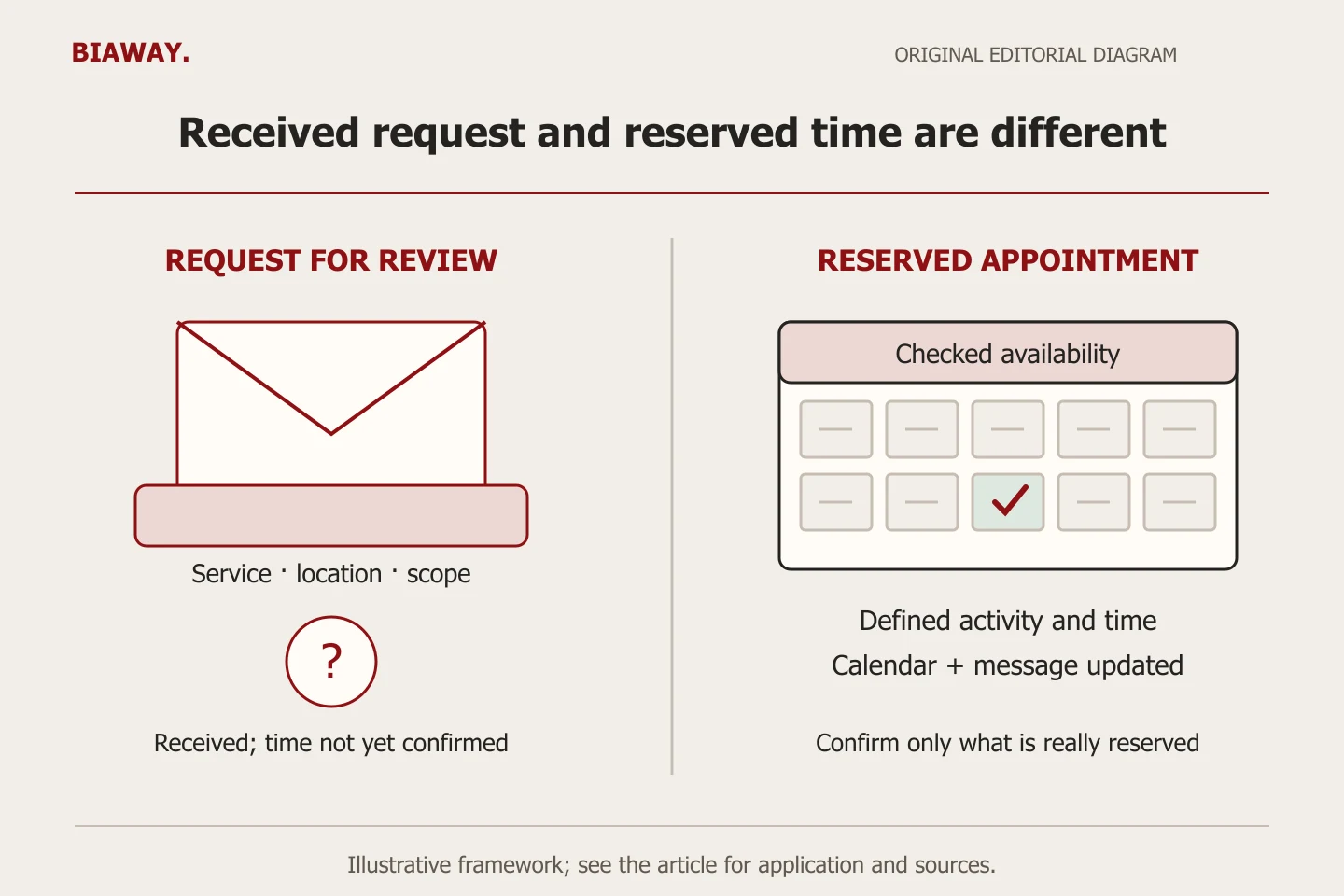
Use a booking calendar when the business can reliably offer a defined time and service. Use an enquiry form when staff must check suitability, location or scope first. A button called 'Book now' does not create a confirmed appointment unless the operating system and team actually reserve it.
In this guide
Decide what the business may confirm immediately
Begin with a sentence your team can safely stand behind: 'This slot reserves a consultation' or 'This form asks our team to assess your request'. Those are different promises. A calendar suits a defined service with dependable capacity; a request form suits work whose duration, location or suitability cannot be known from the first click.
Do not let the interface decide the operating model. A workshop may offer a short assessment appointment without promising a completed repair. A furniture supplier may book a showroom discussion but need to review a measurement visit. Define the reserved activity, its boundaries and the person responsible before selecting software or calling every enquiry a booking.
Match three customer situations to the right commitment
The cases below are hypothetical scope examples. They do not establish what a particular business can provide or imply that Biaway runs those services. The useful question is whether the business can reserve the necessary people and resources without another approval.
A hybrid can be sensible: collect a short request, qualify it, then send an appropriate scheduling link. That is a deliberate two-step process, not a failure to automate everything. Explain the next step accurately and avoid displaying a confirmed time before the responsible team has accepted it.
Scroll the table sideways to read every column.
| Customer task | What must be known | Suitable first action | Promise to show |
|---|---|---|---|
| Defined remote consultation | Duration, available staff and eligible subject | Calendar if those are controlled | The specified consultation is reserved |
| Automotive fault requiring review | Issue, vehicle suitability and workshop capacity | Request for assessment | The team will review the request |
| Furniture measurement visit | Address, coverage, travel and scope | Qualified request before a slot | Visit timing follows confirmation |
Specify capacity before displaying an available slot
Write the appointment duration, preparation time, travel allowance where relevant, maximum workload and dates the service cannot operate. Decide whose calendar is authoritative and who changes availability when staff are absent. A spare hour in one person's calendar may not mean the necessary room, equipment or other team member is available.
Google Calendar's current appointment guidance describes notice windows, date exceptions, buffers and daily booking limits. These illustrate the kinds of rules to verify in a chosen tool; they are not a promise that every account, integration or booking product supports every workflow. Demonstrate the settings and the resulting customer view in the actual proposed setup.
References: Google Calendar: Update your availability for appointments
Use messages that match the real state of the request
Map the states in plain language. 'Received' means the request reached the system; 'under review' means someone still needs to decide; 'confirmed' should name the accepted activity and time. Rescheduling and cancellation should update both the customer-facing record and the team's working record. An automatic email is not proof that the intended person is available.
W3C's form guidance calls for understandable success and error feedback. Apply that to the business promise: a successfully submitted request is not automatically a successfully booked appointment. Use equivalent Arabic and English messages, with a clear next step if the action fails. Do not invent a response deadline the team has not agreed to meet.
References: W3C WAI: Form user notifications
Collect enough to route the request, without a second interview
For a first enquiry, ask which service is needed, how to reply and any fact that decides eligibility. A visit may need an area before an exact private address; an initial conversation may not need a document upload at all. Separate information needed to choose the next step from information that can be collected safely after acceptance.
Confirm who receives the request and who covers absence. If the business checks messages only at specified times, say what happens between those checks. Keep a simple internal record of pending and confirmed work using the chosen system, with appropriate access. Do not send unnecessary customer details into analytics labels or use real private enquiries as public test examples.
Accept the exceptions as carefully as the easy booking
A successful first booking is only one case. An incorrect calendar, unavailable date or cancellation can produce a promise the team cannot fulfil. Agree a safe test account and fictional details; do not create uncontrolled live appointments or charges. Mark every test so staff do not treat it as genuine work.
Use the actual Arabic and English journey on a phone and desktop. Check the displayed date and time zone, especially if the tool shows the visitor's local zone. A customer travelling outside Saudi Arabia may see a different local time even though the service operates on Saudi time. Repeat the affected checks after changing calendars, duration or integrations.
- Book a permitted test slot and confirm the customer and staff records agree.
- Make the relevant resource unavailable and verify that a conflicting slot is not promised.
- Check a date exception and a request inside the minimum notice window.
- Reschedule and cancel through the supported flow; check both records again.
- Try an incomplete request and a failed submission, then verify accurate recovery instructions.
Separate local visits from remote appointments
For an illustrative business in Saudi Arabia, appointments in Hofuf and Mubarraz within Al Ahsa may be visits that require travel time. Work in Dammam and Khobar may follow a different confirmed service area or require review before a slot can be offered. The website should ask about the real destination when it affects eligibility, rather than treating every city choice as a guaranteed visit.
Customers in Riyadh and Jeddah might instead be eligible for a remote consultation, or for visits only under a separately confirmed arrangement. Name the delivery mode beside the appointment so a video discussion is not mistaken for an on-site service. Biaway works online and can scope the website journey remotely; this example creates no Biaway branch, visiting team or client claim.
Commission the workflow, then name its ongoing owner
Ask for the approved state messages, required fields, calendar ownership, exception rules, test evidence and handover instructions. Identify third-party subscriptions, integrations, staff permissions and any payment function separately. A contact form is a different deliverable from resource scheduling or a booking service that takes money, and the quotation should make that visible.
Start with the simplest flow that can keep the business promise. After launch, record missed responses and confusing requests as operating evidence before purchasing more features. Ask Biaway to assess your intended customer action against the website scope; do not assume custom scheduling or an external paid plan is included in a standard page package.
How this guide was prepared
Prepared with AI assistance, with platform and accessibility claims checked against the primary sources below at publication. The planning frameworks are Biaway’s editorial recommendations. Examples labelled illustrative are not client stories or measured results. Platform features and requirements can change.
Your questions.
01Can a contact form have a preferred-date field?
Yes, if it clearly collects a preference rather than promises a reserved slot. Explain who confirms the date and what happens next.
02Does an appointment tool replace the team calendar?
Not automatically. Confirm which calendars and resources it checks, who controls them and how conflicts are handled in the actual setup.
03Should every service accept instant bookings?
No. Services needing suitability, travel or scope review may need a request first. Reserve instantly only what the business can reliably promise.
04Are scheduling integrations included in basic website design?
Confirm the actual scope. A form, a booking link, embedded scheduling and custom staff/resource logic are different deliverables, with possible external fees.