Can you maintain your Saudi business website without technical skills?

You can often handle approved content changes without coding when the website has an appropriate editor and clear instructions. That does not make every technical task suitable for trial and error. Build a small set of repeatable owner tasks, practise them in a safe environment and define when to stop and ask for help.
In this guide
Start with tasks you can verify
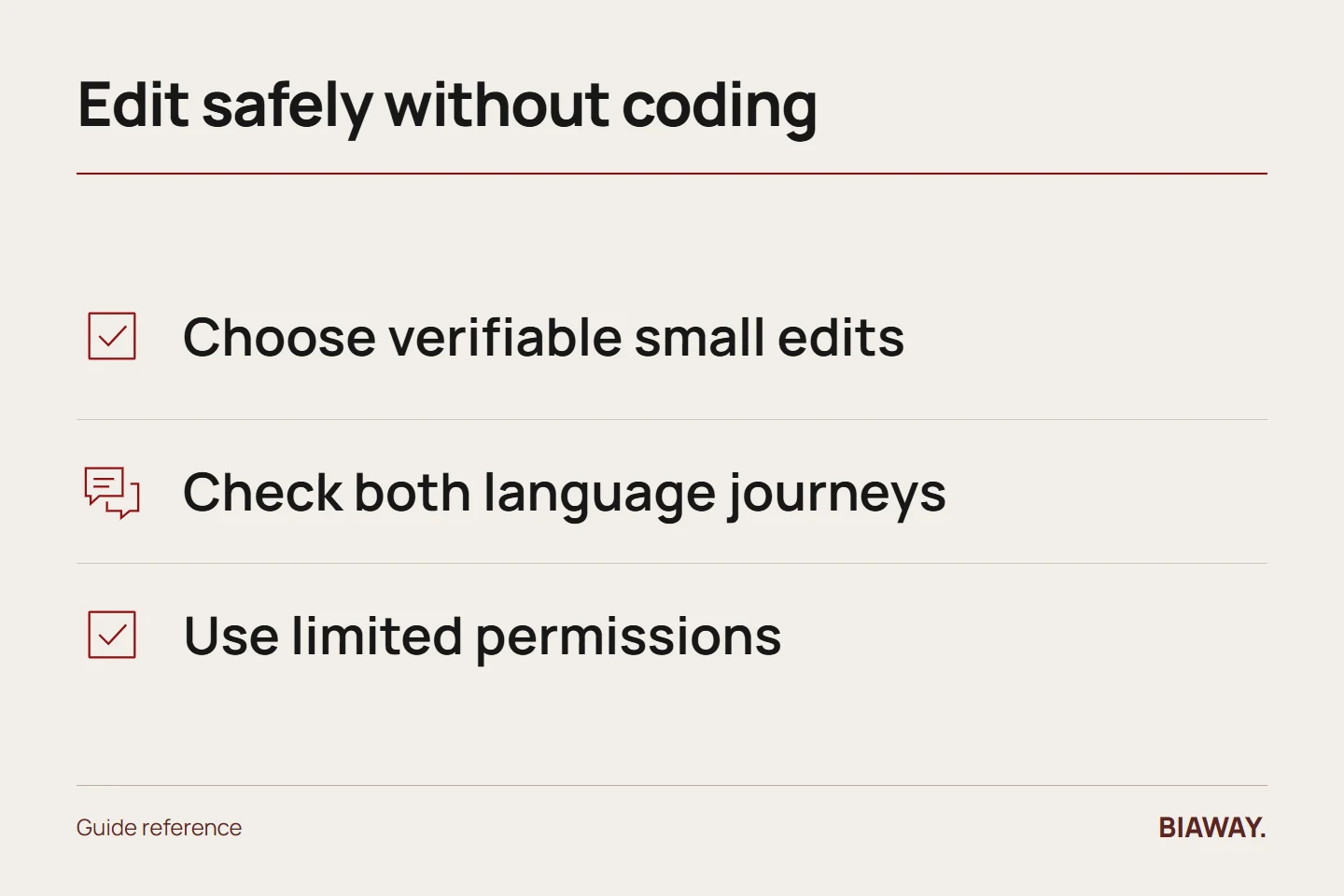
Good first tasks include correcting opening hours, changing an approved sentence or replacing an image in an established slot. Ask the original provider to demonstrate the exact workflow on your site. Record the page, expected result and how to preview the change before publishing.
Avoid learning several unfamiliar actions at once. Changing a sentence, installing an extension and replacing a theme in the same session makes it difficult to identify what caused a problem. A controlled small change teaches more and creates a clearer record.
References: WordPress: Updating WordPress · WordPress: Hardening WordPress
Keep a simple bilingual checklist
After a content edit, view the page on mobile, check the language equivalent, follow nearby links and confirm the intended action still works. Read the actual text rather than only its visual position. Arabic direction, mixed-language numbers and long headings deserve a real check.
For images, use approved assets and preserve proportions. A photograph that appears stretched or a file that is unnecessarily large can weaken the page even though the upload succeeded. Retain the original and follow the site's established image process.
Separate editing access from administration
Use the role needed for the task rather than sharing one powerful account across the team. Keep account recovery under business control and remove access when staff or suppliers leave. Ask for a written handover of renewal owners and support contacts.
WordPress's official security guidance supports limited access and trusted software. Installing a plugin because it promises an easier edit changes the site's dependencies; it should not be treated as an ordinary content update without understanding who will maintain it.
Practise a realistic Saudi update
Imagine a business changing collection instructions for Hofuf and Mubarraz in Al Ahsa. Prepare the approved Arabic and English wording, then inspect any delivery references to Dammam and Khobar and remote-service details for Riyadh and Jeddah. The goal is consistent Saudi Arabia information, not copying the same paragraph into unrelated pages.
Write down your stop conditions
Stop if the editor requests unexpected permissions, a change affects checkout or login, you cannot preview the result, or you do not know how to reverse it. Record the message and recent action without exposing passwords or customer data, then ask the responsible provider to diagnose it.
DIY can reduce small-request delays, but owner time still has a cost. Review the tasks you repeatedly defer or redo. A hybrid arrangement—internal content editing and scoped professional support—can be more manageable than either outsourcing every sentence or trying to administer unfamiliar systems alone.
References: WordPress: Updating WordPress · WordPress: Hardening WordPress
How this guide was prepared
Prepared with AI assistance, with platform and accessibility claims checked against the primary sources below at publication. The planning frameworks are Biaway’s editorial recommendations. Examples labelled illustrative are not client stories or measured results. Platform features and requirements can change.
Your questions.
01Do I need to learn code first?
Not for every content task. You do need a suitable editor, training, appropriate access and a way to check and undo the change.
02Can automatic updates replace professional help?
They can handle selected software tasks, but they do not approve business facts, diagnose every failure or verify all customer journeys.