Setting up Facebook ads as a complete beginner in Saudi Arabia

The first setup should establish ownership, a truthful offer, a working customer destination and a spending plan. Do that before choosing creative effects or copying an advanced campaign structure. This guide covers readiness; account labels and available controls can change, so confirm the current options in your own Ads Manager before approving delivery.
In this guide
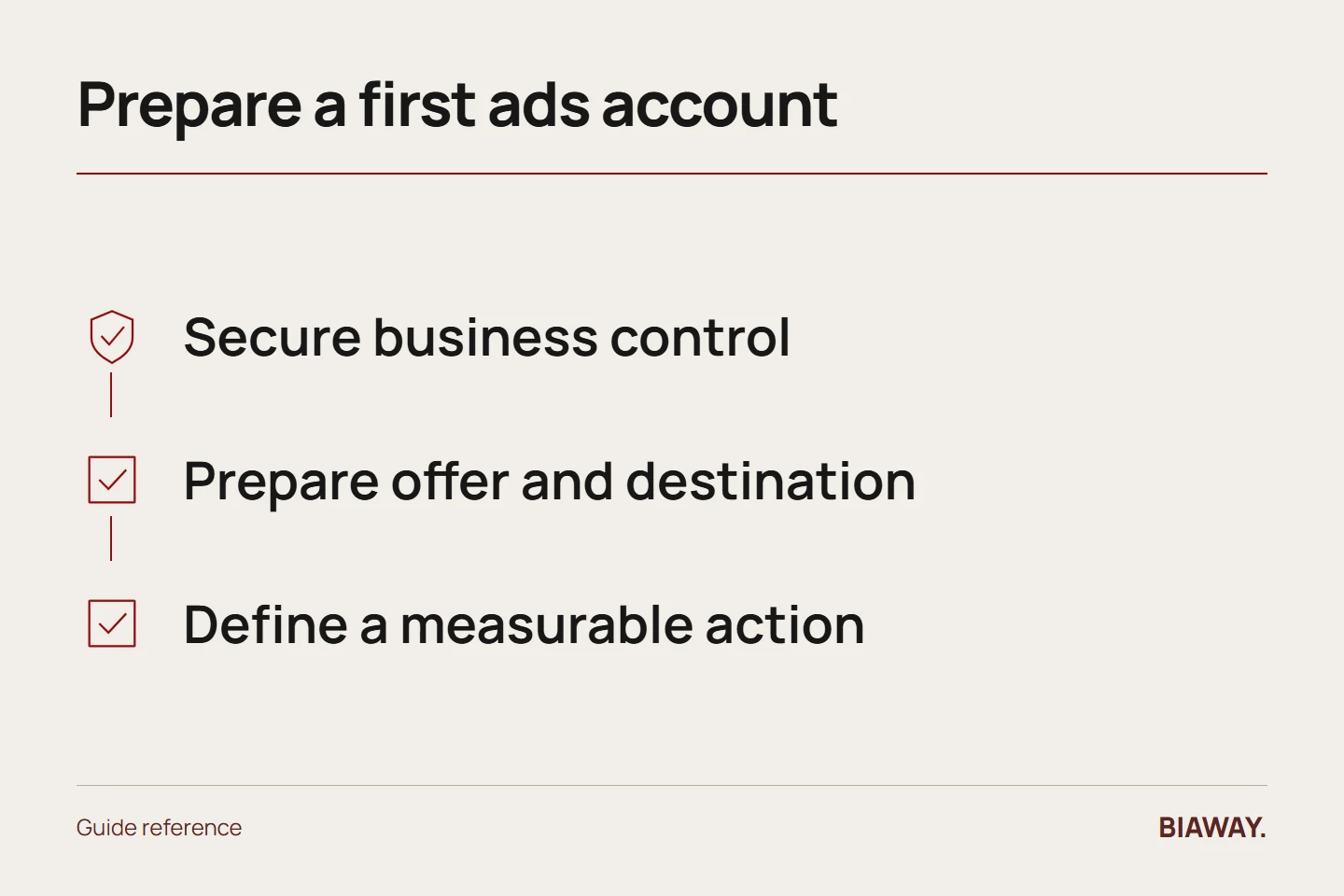
Put the business in control
Use legitimate business assets and authorised people. Record which person controls the Page, connected account, advertising account and payment method. Keep recovery details and access permissions current. If a supplier assists, grant the necessary access through the supported process rather than transferring ownership casually or sharing passwords across unrelated people.
References: Meta Blueprint: Ads Manager basics · Meta Blueprint: privacy and data protection · Meta Blueprint: understanding advertising standards
Prepare the offer and destination
Write what the customer receives, the price basis, exclusions, availability and next step. Test the actual link on a phone. Submit a test enquiry and confirm it reaches the person who will respond. If the offer requires a quotation, do not present a starting price as a complete fixed package without the relevant conditions.
Define the measurable action
Decide whether the immediate goal is an enquiry, a purchase or another meaningful action. Document where it happens and how it will be verified. A button click is not automatically a qualified lead; a submitted form is not automatically a sale. Any tracking setup should respect the business's privacy approach and applicable requirements.
Choose a truthful service area
A company taking appointments in Hofuf and Mubarraz should explain its Al Ahsa availability. If it also serves Dammam and Khobar, confirm travel and response arrangements. Riyadh and Jeddah should be included only when the offered service is deliverable there. Saudi Arabia targeting is a commercial boundary, not permission to imply offices or same-day service everywhere.
Set money and review responsibility
Record the approved media allowance, any management fee, planned period and person authorised to change spending. Inspect the platform's current controls rather than assuming a screenshot from an old tutorial matches your account. Save the final settings and determine who checks billing and what should trigger a pause. Do not treat a suggested budget as a forecast of profitable orders.
Review the complete draft
Check spelling, Arabic direction, English wording, cropping, links and claims in available previews. Review relevant advertising standards for your offer. Meta Blueprint provides official introductory material, including ad creation, reporting, privacy and review topics. If a feature or rule is unclear, resolve it before launch rather than experimenting with live customer data or unapproved spending.
References: Meta Blueprint: Ads Manager basics · Meta Blueprint: privacy and data protection · Meta Blueprint: understanding advertising standards
How this guide was prepared
Prepared with AI assistance, with platform and accessibility claims checked against the primary sources below at publication. The planning frameworks are Biaway’s editorial recommendations. Examples labelled illustrative are not client stories or measured results. Platform features and requirements can change.
Your questions.
01Do I need a complicated campaign structure?
No. Start with a structure that matches a clear objective and a manageable test, then add complexity only for a reason.
02Can someone else set up the account?
Yes, with authorised access and explicit responsibilities. The business should understand ownership, billing and how to stop the campaign.