A beginner's hosting checklist for your first Saudi business website

Your first website needs a domain, a place or platform to run, useful content and a tested way for customers to contact the business. These pieces may come from one supplier or several. Set them up in a clear order and keep a simple ownership record so the launch does not depend on remembering who clicked what.
In this guide
Write the website's purpose before buying
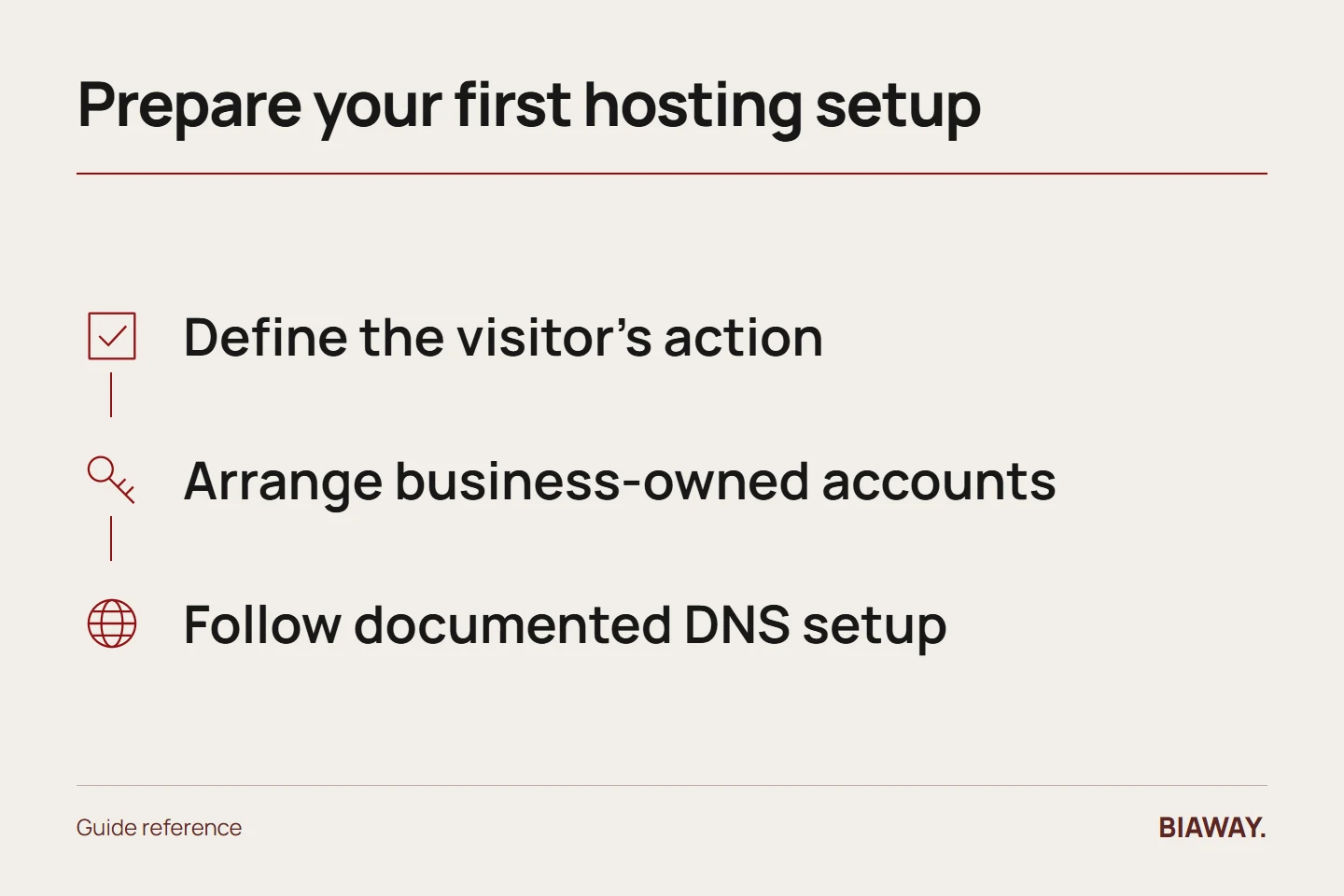
Describe the visitor's next action in one sentence: request a quotation, book a consultation, inspect a catalogue or buy. List the minimum pages and languages that support it. This short brief helps you avoid purchasing an unsuitable hosting product because its introductory offer expires soon.
For an illustrative Hofuf service business covering Mubarraz and Al Ahsa, the first version could explain scope and collect enquiries. Do not add accounts or complex tools unless they serve a real requirement that someone will maintain.
References: MDN: What is a web server? · Cloudflare: DNS record types · Let's Encrypt: Getting started
Arrange ownership and accounts
Choose the domain carefully and register it through an account the business can recover. Record the registrant arrangement, renewal owner and contact email. Then select the website platform and hosting that supports it, with appropriate access for whoever builds the site.
Keep passwords and recovery codes in a suitable secure system, not an ordinary shared document. Record where access is managed without exposing the secrets themselves. Make sure a change of supplier will not erase the business's control.
Connect the site using the provider's instructions
Deploy the website and connect the domain through the documented DNS process. Confirm which records affect the website and which support email or other services. Do not delete unrelated records simply because a tutorial shows an empty example zone.
Configure HTTPS through the supported method and check the actual public addresses. A domain resolving successfully is one milestone; it does not prove that the correct site, certificate and contact functions are all working.
Perform a customer acceptance test
Read the Arabic and English pages on mobile and desktop. Test navigation, phone links, downloads and form delivery. For an illustrative supplier receiving Dammam and Khobar requests, confirm that the intended inbox receives the relevant details clearly.
If the business offers services to Riyadh and Jeddah, state accurate delivery or remote-service conditions. Do not imply offices you do not operate. A useful Saudi Arabia website makes coverage understandable rather than merely inserting city names.
Finish with an operating handover
Save the live address, accounts, renewal dates, editing process, support route and recovery arrangement. Identify who checks enquiries and who approves updates. Ask the builder to demonstrate a simple change so the business understands how ordinary maintenance works.
After launch, review real enquiries and any technical problems before adding features. Keep an accessible record of what was delivered and what remains optional. A small complete website with clear ownership is a stronger starting point than a larger unfinished setup.
References: MDN: What is a web server? · Cloudflare: DNS record types · Let's Encrypt: Getting started
How this guide was prepared
Prepared with AI assistance, with platform and accessibility claims checked against the primary sources below at publication. The planning frameworks are Biaway’s editorial recommendations. Examples labelled illustrative are not client stories or measured results. Platform features and requirements can change.
Your questions.
01Do I have to understand all server terminology?
No, but you should understand ownership, costs, important functions and who handles technical work. Ask suppliers to explain those clearly.
02Is publishing the same as appearing in Google?
No. Public availability allows access, but indexing and ranking are separate processes and are not guaranteed by buying hosting.