Website plugin and theme updates: what Saudi owners should expect from maintenance

Updating a plugin or theme is a change to a dependency your website uses. It may be necessary and beneficial, but completion means more than seeing a new version number. Ask the maintainer to understand the component's purpose, prepare an appropriate recovery route and verify the functions it affects, particularly on bilingual pages and important customer journeys.
In this guide
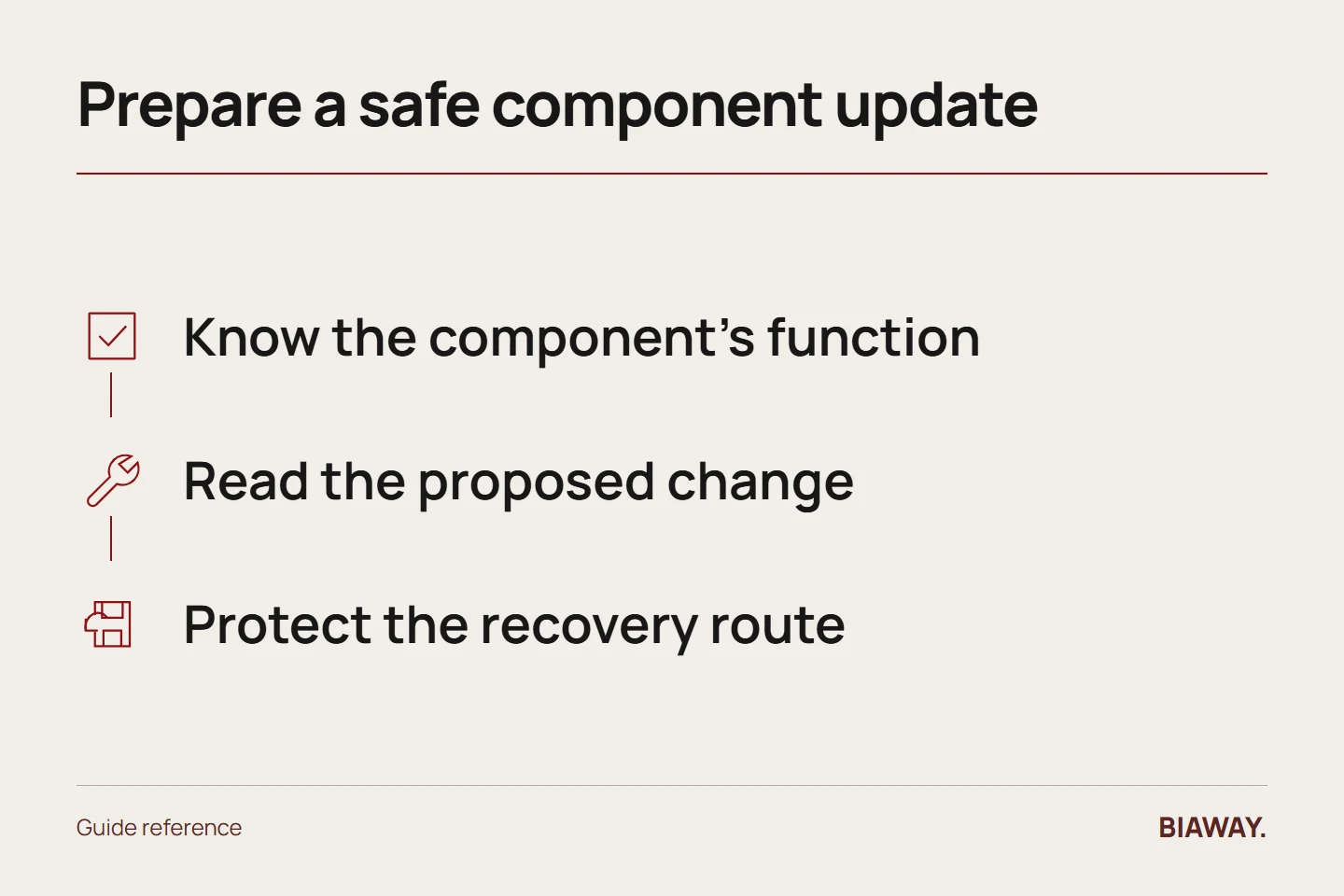
Know what the component does
Keep a short inventory linking each active component to its function: forms, language content, products, booking or presentation. Identify the licence owner and any custom modifications. An unfamiliar name should prompt investigation, not immediate deletion or automatic replacement.
For an illustrative Hofuf and Mubarraz business within Al Ahsa, an enquiry plugin may carry the main quotation workflow. Its importance is determined by that role, not by how small its settings screen looks or how many update notifications appear.
References: WordPress: Updating WordPress · WordPress: Hardening WordPress
Understand the proposed change
Ask why the update is being applied and whether there are relevant compatibility notes. The provider should distinguish a routine release from an important fix and from a change that requires additional development. Do not postpone material issues indefinitely simply to preserve a comfortable routine.
At the same time, avoid an unrecorded bulk change across unrelated components. A clear change sequence makes it easier to isolate a problem and explain what has been verified. The precise implementation method should suit the platform and be handled by an authorised person.
Protect the ability to recover
WordPress's update guidance recommends a backup before updating. Confirm the appropriate current copy and recovery process for your installation. Custom theme changes or application data may require particular attention; the business should know what can and cannot be restored.
Ask who decides to reverse a failed change and how new data created during the work is considered. A rollback is not automatically harmless if it replaces recent bookings or orders with an older state.
Test the affected behaviour in both languages
If a form component changes, test the fields, validation, confirmation and receipt. If a theme changes, inspect navigation, mobile layout, image proportions and Arabic direction. Choose checks according to the dependency rather than repeating an irrelevant universal screenshot checklist.
For a store offering delivery to Dammam and Khobar and shipping to Riyadh and Jeddah, check relevant order rules if the update touches them. Saudi Arabia localisation includes accurate Arabic labels and real service conditions, not merely retaining the flag or language button.
Record the outcome and unresolved work
Save the component, version change, date, checks and any limitation. If a conflict requires larger development, explain it and obtain approval before exceeding scope. Avoid declaring the entire site fully tested when only representative functions were checked.
A minor-maintenance plan may include basic technical checks or small fixes without covering every plugin repair or paid licence. Ask for the actual agreement. The useful outcome is a maintained dependency with a clear verified result and a known route for exceptions.
References: WordPress: Updating WordPress · WordPress: Hardening WordPress
How this guide was prepared
Prepared with AI assistance, with platform and accessibility claims checked against the primary sources below at publication. The planning frameworks are Biaway’s editorial recommendations. Examples labelled illustrative are not client stories or measured results. Platform features and requirements can change.
Your questions.
01Should I update every component immediately?
Relevant fixes deserve appropriate attention, but timing and method should reflect risk, compatibility and recovery. Ask the responsible maintainer to assess the actual release.
02Is a successful update message enough?
No. It shows an installation step completed, not that every affected business function still behaves correctly.