Website speed and performance maintenance for Saudi business owners

Performance maintenance keeps important pages usable as images, scripts, content and integrations change. It is an ongoing observation-and-repair process, not a promise to achieve one permanent score. Start with the customer journey, collect a consistent baseline and investigate the actual bottleneck before buying a faster hosting plan or removing useful functionality.
In this guide
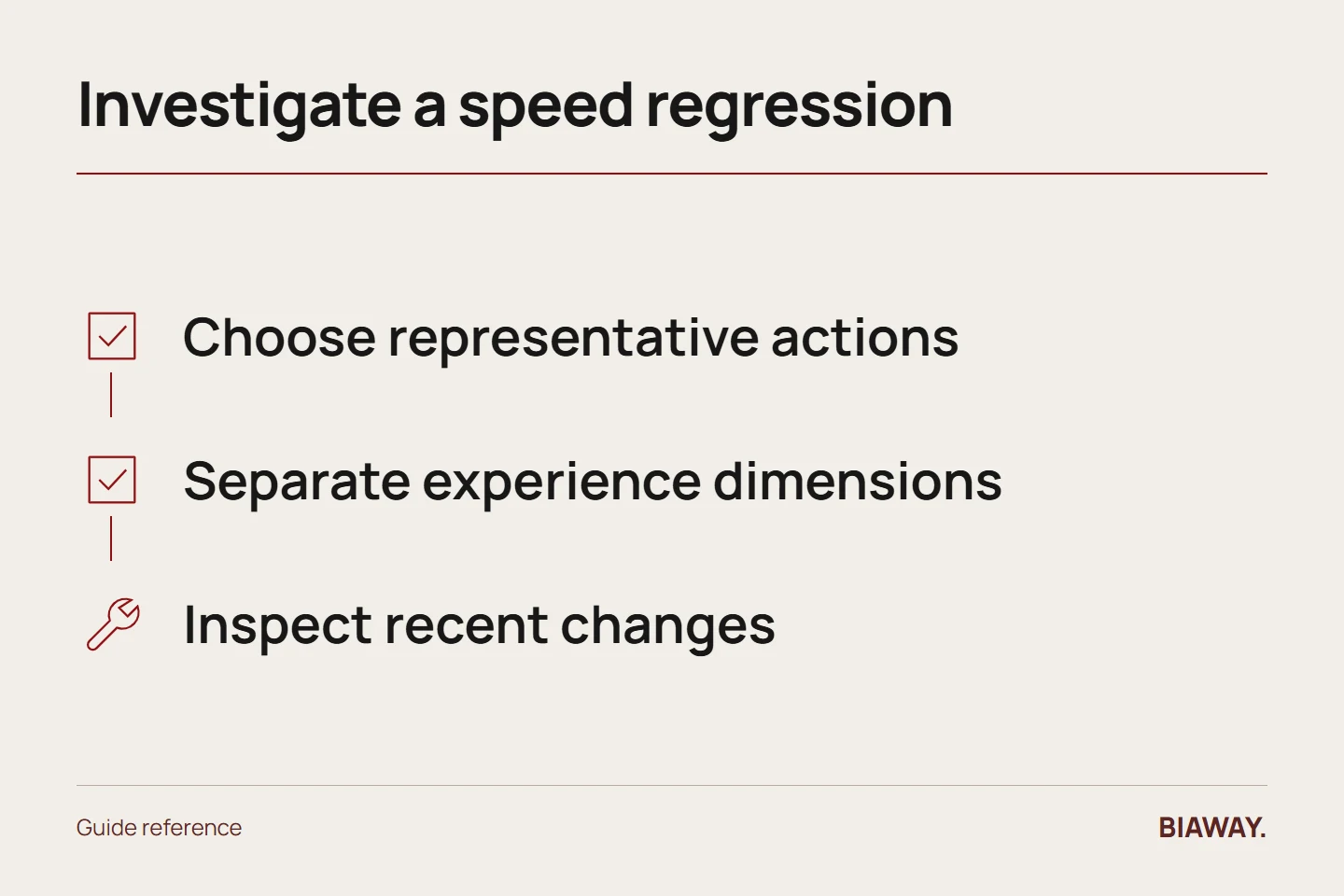
Choose representative pages and actions
Include a service page, contact route and any important product or booking flow. Test both language versions when their content or behaviour differs. A fast homepage can conceal a slow form or a product page overloaded with large images.
Record the device, connection, page and test method. For an illustrative mobile customer in Hofuf or Mubarraz within Al Ahsa, completing an enquiry matters more than watching a desktop score improve on a page that customer never uses.
References: Google web.dev: Web Vitals · Biaway website maintenance scope
Separate different aspects of experience
Google's Web Vitals distinguish loading, responsiveness and visual stability. A page can appear quickly but react slowly to a button, or move content as images load. Use the relevant measure and observation to identify the symptom rather than calling every problem slow hosting.
Laboratory tests help diagnose under controlled conditions; real-user measurements, when available with sufficient data, describe observed experience. Do not compare numbers from different methods or claim a performance improvement from one isolated run without explaining its limits.
Inspect the likely change that caused regression
Review recent additions: larger images, new widgets, tracking scripts, fonts, application changes or a different page layout. Ask what changed before the issue appeared. A controlled before-and-after comparison can help narrow the problem without removing everything at once.
Check whether a third-party feature is genuinely needed and who owns it. A business serving Dammam and Khobar may need a useful enquiry function, but an unnecessary decorative widget should not make that function harder to use.
Fix and verify a defined problem
Specify the proposed change and acceptance test. An image adjustment should preserve useful quality and natural proportions; removing a script should not break an approved business feature. Verify the Arabic page, mobile behaviour and any affected interaction after the change.
For remote buyers in Riyadh and Jeddah, confirm that downloadable information and contact steps still work. Saudi Arabia optimisation should follow real user needs and available evidence, not assumptions that all visitors have the same device or connection.
Maintain a performance change log
Save the baseline, change, method and result along with unresolved limitations. Recheck important journeys when major assets or integrations are added. Avoid repeatedly tuning a metric while a visible functional issue remains untouched.
Biaway's minor-maintenance scope includes basic performance checks, but a substantial performance investigation or code change may need separate scope. Discuss the evidence before upgrading services. Better usability is a worthwhile objective, while search rankings, conversion rates and sales remain outcomes that cannot be guaranteed by a speed score.
References: Google web.dev: Web Vitals · Biaway website maintenance scope
How this guide was prepared
Prepared with AI assistance, with platform and accessibility claims checked against the primary sources below at publication. The planning frameworks are Biaway’s editorial recommendations. Examples labelled illustrative are not client stories or measured results. Platform features and requirements can change.
Your questions.
01Does a perfect score guarantee higher rankings?
No. Performance is only part of the experience and search context. Relevant useful content and many other factors still matter.
02Should I buy faster hosting first?
Only if evidence identifies infrastructure as a relevant constraint. Images, scripts, application behaviour and third-party dependencies may be the actual cause.