Will making your Saudi website faster improve its Google rankings?

A faster, more stable page can improve the visitor's experience and address performance signals, but speed alone does not make an irrelevant page the best answer. Investigate the actual delay, protect useful content and verify the customer journey after the fix. Do not buy a ranking promise attached to a laboratory score.
In this guide
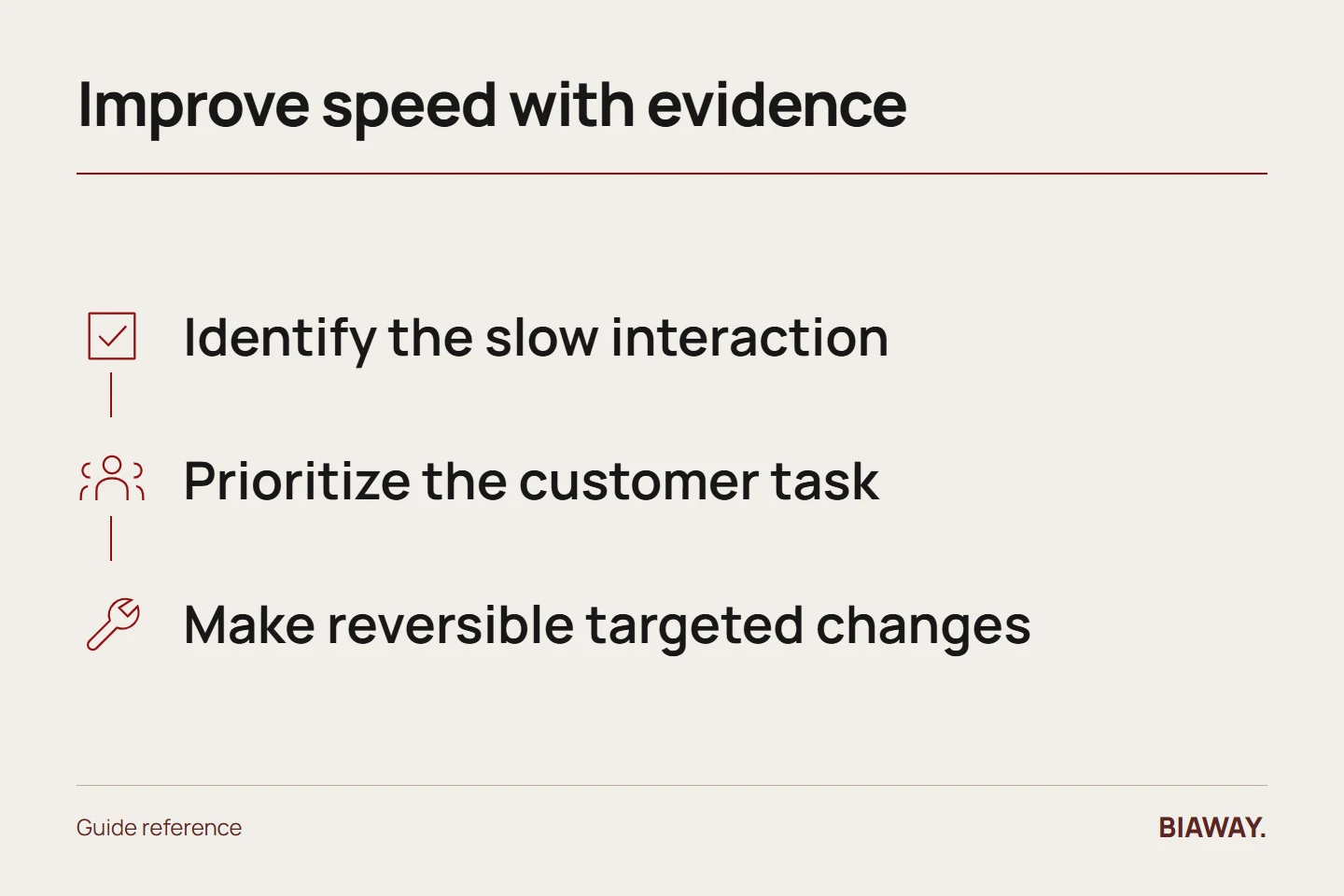
Identify which part feels slow
Loading, responding to input and moving unexpectedly are different problems. Core Web Vitals cover loading performance, interaction responsiveness and visual stability. Ask which page and element is affected rather than accepting 'the site is slow' as a complete diagnosis.
Compare laboratory tests with available real-user evidence and note their conditions. A single test can vary with device, network, cache and third-party services. Repeated controlled observations are more useful than choosing the best screenshot.
References: web.dev: Web Vitals · Google Search Central: Core Web Vitals · Google Search Central: image best practices
Prioritize the customer's important task
A heavy decorative animation may delay the service explanation; an oversized product image may slow a catalogue; a script may make the contact button respond poorly. Start with the problem that affects reading or completing the task.
Do not remove the Arabic content, useful product details or accessibility features just to raise a score. A fast but incomplete page is not a better customer answer. Preserve the meaning and function while improving delivery.
Make targeted changes and keep a rollback
Potential work includes appropriately sized compressed images, sensible loading behavior, reserved image dimensions, reduced unnecessary scripts and improved asset delivery. The right choice depends on the site; not every optimization applies to every stack.
Record the baseline, change and retest under comparable conditions. Keep a recoverable version and verify that forms, language switching, analytics consent and navigation still work. Performance work can create regressions when scripts or styles are removed without understanding their role.
Test Saudi-facing pages without inventing network claims
Check the service journeys used by customers in Hofuf and Mubarraz in Al Ahsa, Dammam and Khobar, and Riyadh and Jeddah. Use the actual devices and connections available for testing and describe their limits. Do not claim that a city has a particular internet speed or that a server location guarantees Saudi Arabia rankings without evidence.
Report the improvement precisely
A verified reduction in a loading delay is a performance result. A higher test score is a tool result. A later change in search clicks or suitable enquiries is a separate observation with other possible causes. Keep these statements distinct in the report.
Once the major performance constraint is resolved, revisit content relevance and the offer. Chasing a perfect score can have diminishing practical value if customers still cannot understand the service or complete an enquiry.
References: web.dev: Web Vitals · Google Search Central: Core Web Vitals · Google Search Central: image best practices
How this guide was prepared
Prepared with AI assistance, with platform and accessibility claims checked against the primary sources below at publication. The planning frameworks are Biaway’s editorial recommendations. Examples labelled illustrative are not client stories or measured results. Platform features and requirements can change.
Your questions.
01Will a score of 100 guarantee first place?
No. Performance is only part of the overall page and search context, and a tool score is not a ranking guarantee.
02Should I compress every image aggressively?
Balance file size with the detail the customer needs. Product evidence and portfolio work should remain clear, with natural proportions.