How to choose WordPress hosting for a Saudi website

Good WordPress hosting must support the software you actually use and make routine operation manageable. A WordPress label on a product page does not establish that updates, plugin problems or recovery are included. Compare compatibility, a safe editing process and responsibilities before comparing a provider's promotional performance claims.
In this guide
Check the current technical requirements
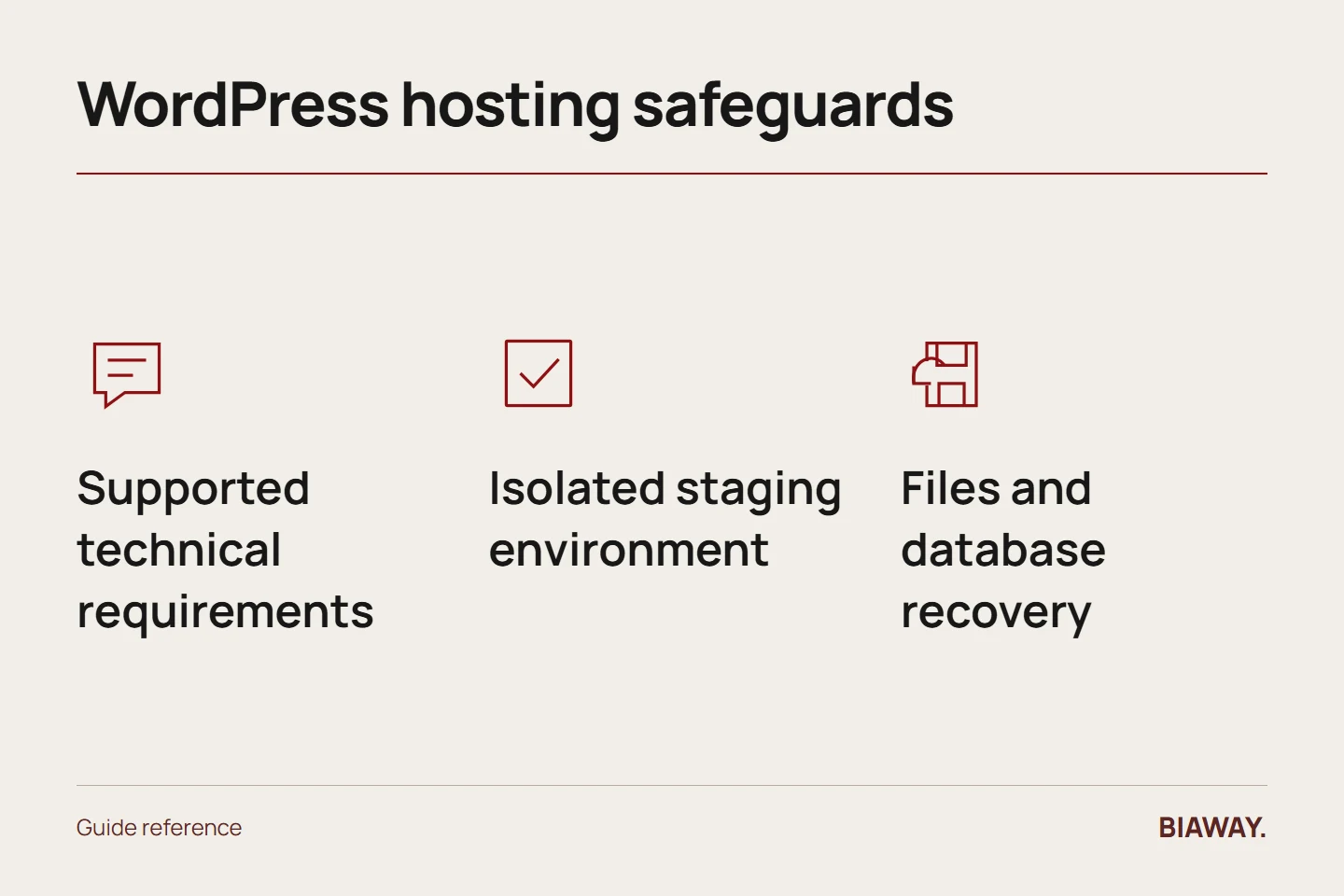
Use WordPress's official requirements as the starting point, then list the site's themes, plugins and integrations. Ask the host about supported software versions and the process for future upgrades. An old environment that happens to run today can still create an avoidable migration later.
Record any plugin-specific needs and ask the developer which are essential. Do not buy a plan for an imagined list of plugins, but do not assume every WordPress plan supports your required booking or catalogue workflow either.
References: WordPress hosting requirements · WordPress: Backups · WordPress: Hardening WordPress
Require a safe place to test changes
Ask whether a staging environment is available, how it is separated from the live site and who can publish changes. A useful staging test includes the Arabic interface, contact forms, search and any transaction path. Confirm that test activity will not send real customer notifications.
For an illustrative bilingual business in Hofuf and Mubarraz within Al Ahsa, a theme change might affect Arabic navigation differently from English. A safe preview allows that difference to be corrected before customers see it.
Make recovery specific to the application
A typical WordPress recovery needs both files and database information. Ask how they are captured together, how long copies remain available and who performs a restoration. Do not confuse a media download with a complete recoverable site.
For a supplier serving Dammam and Khobar, confirm whether uploaded enquiry documents or external form records live elsewhere. Those dependencies may need a separate recovery arrangement even when the WordPress installation itself is backed up.
Test the experience customers use
Review real content rather than a blank demo theme. Large images, complex plugins and third-party scripts can affect the result independently of hosting. Test Arabic and English mobile pages, submission delivery and any catalogue filters before accepting the platform.
If campaigns reach Riyadh and Jeddah, test the promoted landing pages as well as the homepage. Hosting a Saudi Arabia site successfully means supporting the actual journey, not simply displaying a fast empty installation.
Agree the update and support boundary
Write who updates WordPress, themes and plugins, who approves changes and who investigates incompatibility. Ask whether the provider assists only with server problems or also with the application. Managed labels vary, so request the exact work rather than infer it.
Keep business-owned administrative access, documented licences and a current handover record. Choose a plan the team can operate safely, then review it when the site's functionality changes. A clear operating agreement is more valuable than a long list of features nobody uses.
References: WordPress hosting requirements · WordPress: Backups · WordPress: Hardening WordPress
How this guide was prepared
Prepared with AI assistance, with platform and accessibility claims checked against the primary sources below at publication. The planning frameworks are Biaway’s editorial recommendations. Examples labelled illustrative are not client stories or measured results. Platform features and requirements can change.
Your questions.
01Does WordPress hosting include all plugin licences?
Not automatically. Identify which licences are supplied, who owns them and what happens at renewal or migration.
02Should automatic updates always be disabled?
Not as a blanket rule. Agree an update approach appropriate to the site's risk, testing and recovery process rather than leaving software unattended.