WordPress website maintenance for Saudi businesses: a practical operating guide

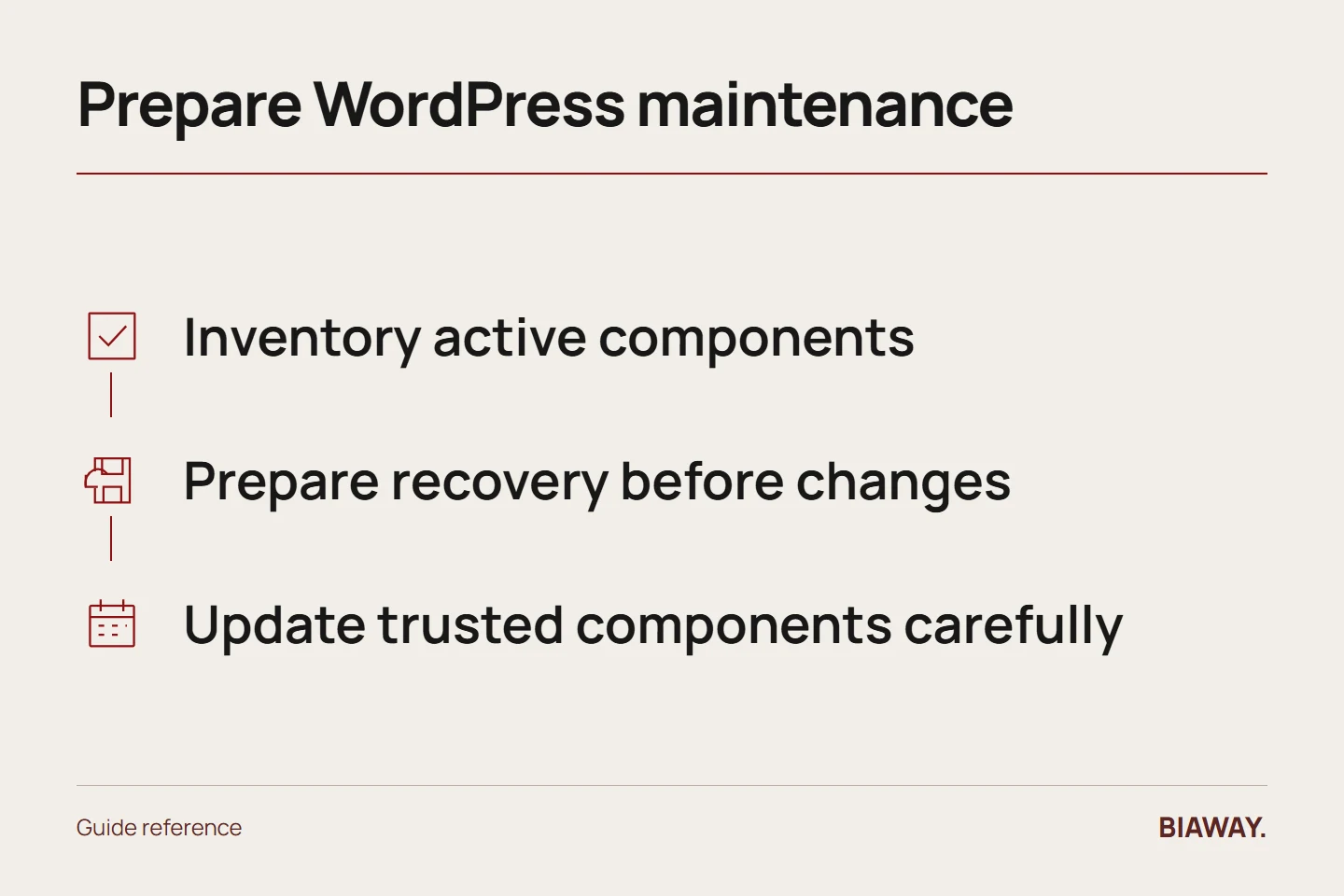
WordPress maintenance means managing the actual installation: its core software, theme, plugins, content, accounts and connected services. A generic update-everything instruction is not a complete operating plan. Build an inventory, define recovery, assign responsibility and verify the customer journeys your business relies on before and after relevant changes.
In this guide
Inventory the installation and its purpose
Record the active theme, plugins, important integrations, hosting arrangement and responsible accounts. Note which component provides each business function, such as enquiries, bookings or product listings. Keep version and licence information where authorised maintainers can find it.
A hypothetical company serving Hofuf and Mubarraz within Al Ahsa may use one plugin for forms and another for language content. Understanding that arrangement helps the provider test a relevant change instead of assuming that every website with WordPress behaves the same way.
References: WordPress: Updating WordPress · WordPress: Hardening WordPress · WordPress: Backups
Prepare recovery before changing software
WordPress's official guidance recommends backing up before an update. Confirm the necessary files and database are covered, where the copy is held and how the site can be restored. A backup claim should be tied to the installation's actual data, not only a screenshot of an enabled setting.
For an important change, ask how it will be rehearsed or otherwise controlled and who can authorise recovery. Avoid making several unrelated changes without a record; if something fails, the team needs to know what changed and which result was last verified.
Maintain components deliberately
Use trusted software sources and keep responsibility for relevant updates explicit. Review why each component exists and whether it remains supported for your intended use. Removing something requires checking its dependencies; deleting an unfamiliar plugin simply because it is unfamiliar can break a needed function.
Customisations deserve special attention. Ask where they live and whether an update could overwrite or conflict with them. The owner need not perform the technical change, but should understand the reason for a separate development estimate when maintenance reveals a larger compatibility problem.
Verify bilingual business journeys
After relevant changes, test the agreed representative pages, menus, forms and language links. For delivery information covering Dammam and Khobar and enquiries from Riyadh and Jeddah, verify the actual rules and wording in both languages. A working English homepage does not prove the Arabic customer journey is intact across Saudi Arabia.
Check mobile layout and message receipt with a controlled test. Keep test data separate from genuine orders or leads, and involve the receiving team where the site hands the customer to another system.
Keep a sustainable maintenance record
Record the update, date, responsible person, verification and unresolved items. Review account access after staff or supplier changes. Agree who follows up on failures in automated jobs and who communicates with the owner when a task exceeds the contracted scope.
A plan described as WordPress maintenance should still specify allowance, response terms, backups, licences and exclusions. Do not assume unlimited plugin repairs, malware recovery or new feature development. Choose a service based on your installation and operational needs rather than the platform name alone.
References: WordPress: Updating WordPress · WordPress: Hardening WordPress · WordPress: Backups
How this guide was prepared
Prepared with AI assistance, with platform and accessibility claims checked against the primary sources below at publication. The planning frameworks are Biaway’s editorial recommendations. Examples labelled illustrative are not client stories or measured results. Platform features and requirements can change.
Your questions.
01Can WordPress update itself?
It supports automatic update behaviour for some components and configurations, but someone still needs to understand the setup, monitor outcomes and handle exceptions.
02Should I replace every old plugin immediately?
Assess support, risk, dependencies and alternatives with the maintainer. A controlled change is safer than deleting components without understanding their role.