Why are website contact-form emails not arriving?

When a form says sent but the inbox is empty, identify the last confirmed stage before changing the website. Use a receipt record to distinguish application processing, provider acceptance, mail delivery and the team's response.
In this guide
Start with the last stage you can actually prove
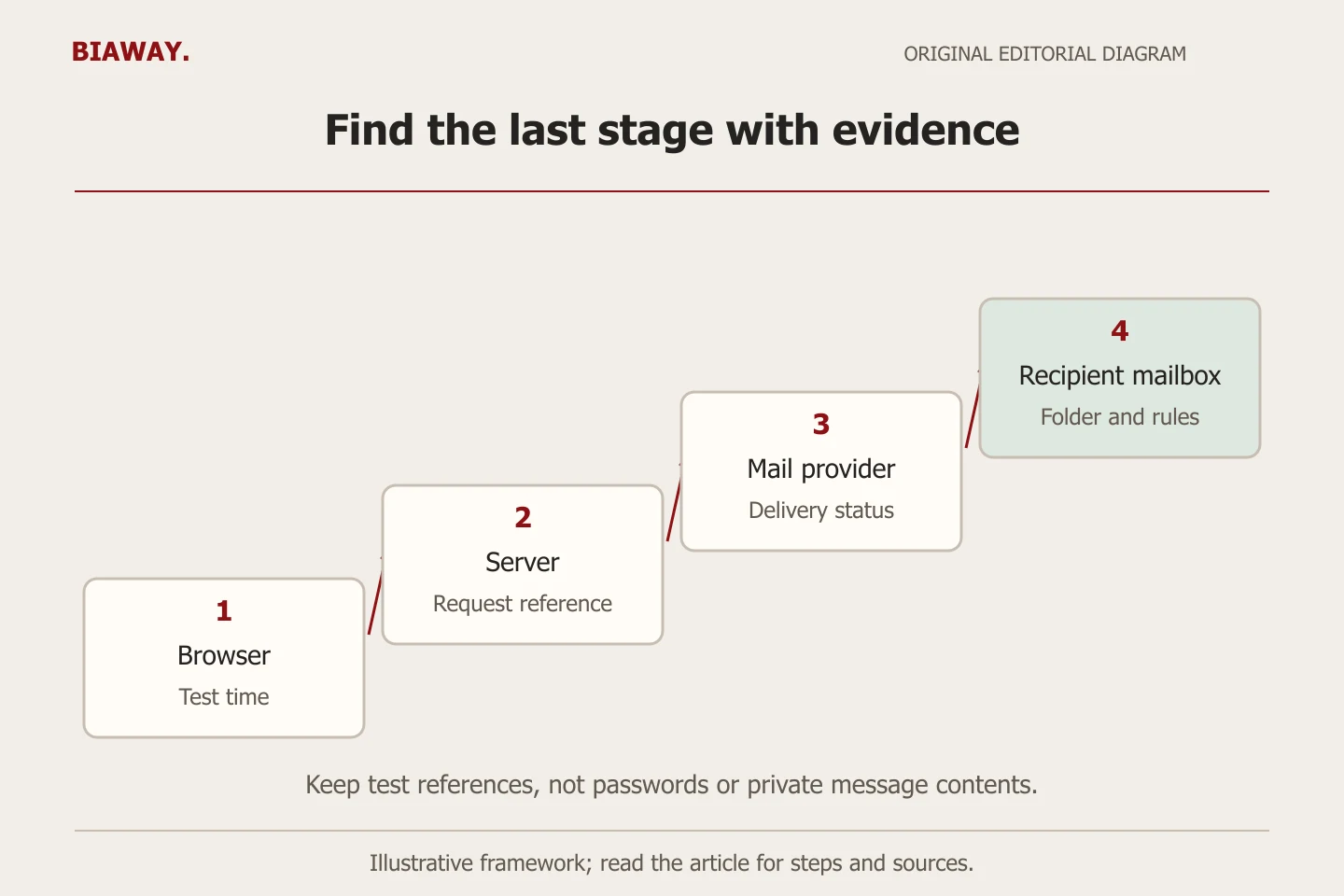
A success message on a website does not establish that your team received an email. The browser, form application, delivery provider and receiving mailbox are separate parts of the journey. The fastest useful question is not which plugin should we buy, but where does the evidence stop? Investigate that boundary before changing hosting or asking the customer to submit repeatedly.
Open an incident record with the affected page and language, approximate time and time zone, intended recipient and observed symptom. Record recent changes without assuming they caused the failure. Start with existing authorised logs and configuration. If records are unavailable, write not verified rather than turning absence of evidence into a claim that no message was sent.
Use a six-stage receipt record
Use one synthetic marker, such as TEST-FORM-17, to connect evidence across systems during an agreed test. Keep the marker separate from real customer information. A provider's message identifier may be different from the website's request identifier; document that relationship rather than expecting the same value everywhere.
Scroll the table sideways to read every column.
| Stage | Evidence to record | What remains unproved |
|---|---|---|
| Browser submission | Page, language, time and actual response | Application processing or email delivery |
| Application processing | Safe request ID and validation outcome | Acceptance by the email provider |
| Provider acceptance | Provider ID, recipient and status | Delivery to the receiving system |
| Receiving system | Delivery, deferral or rejection detail | Placement in the intended inbox |
| Inbox receipt | Authorised confirmation for the test marker | Assignment and human response |
| Team ownership | Assigned colleague and next action | Qualification, quotation or a sale |
Check the application before blaming the mailbox
Ask the website maintainer whether the submission reached the intended handler and passed validation. Check the configured destination, active environment and provider connection through authorised access. A preview may use a test destination while production uses a different one. A response that simply says OK may describe only the application response; ask which downstream result the success screen actually relies on.
If the delivery provider rejected the request, save the safe error category and relevant identifier. Investigate expired configuration, an unapproved sender, an incorrect recipient or a service limit only when the evidence points there. Do not expose API keys in screenshots or paste complete request bodies into support tickets. An attachment-related failure also needs a harmless sample and the documented size or type limit, not a customer's confidential specification.
Read the destination and delivery detail
For Google Workspace, an authorised administrator can use Email Log Search to inspect recipient-level delivery steps. Google distinguishes delivery to an external SMTP server from delivery to a Gmail inbox. A generic delivered label therefore needs its destination and context. Other providers offer different tracing tools; use the tool for the actual receiving service.
Where delivery reached the intended mailbox, investigate spam, quarantine, filters, forwarding, aliases and shared-inbox permissions. Search by the agreed marker and time window instead of reviewing unrelated customer messages. Confirm who can see the destination and who is expected to respond. A missing notification on one employee's phone is a different symptom from a message rejected by the receiving server.
References: Google Workspace: understand Email Log Search results · Google Workspace: delivery status definitions
Review sender authentication without guessing DNS records
If a bounce or provider report points to authentication, ask the responsible supplier to verify the configured sending domain and its authorised services. Google's rules for personal Gmail recipients require SPF or DKIM for all senders, with additional requirements for bulk senders. Google recommends SPF, DKIM and DMARC generally. This is not a promise that authentication guarantees inbox placement or that every receiving provider has identical rules.
Do not add a second SPF record or replace existing mail settings from an unrelated tutorial. The maintainer needs an inventory of legitimate senders and the current provider's instructions. Review the visible sender and reply destination deliberately; do not impersonate the visitor's email domain as your own authenticated sender. Preserve existing business mail when repairing a website notification.
References: Google Gmail: email sender guidelines
Example: a successful submission sent to the old destination
Consider a hypothetical bilingual supplier. An agreed test at 14:10 Asia/Riyadh produces an application receipt and a provider acceptance ID, but the current sales inbox has no matching message. The maintainer checks the recorded recipient and finds an old shared address. That evidence supports a destination-configuration investigation; it does not establish a spam problem or justify changing the whole hosting platform.
The authorised owner confirms the correct destination and the maintainer updates only that setting. A coordinated retest establishes receipt in the intended inbox and assignment to the responsible person. The record keeps both test IDs, the changed setting's name and the observed results, without storing credentials or real enquiries. This example illustrates a method, not a claim about a Biaway client or a guaranteed diagnosis.
Test the routing your Saudi service coverage actually needs
A hypothetical Saudi Arabia business may assign Hofuf and Mubarraz enquiries within Al Ahsa to one colleague, while Dammam and Khobar requests need a different quotation reviewer. If the form uses location-based routing, test those actual rules with synthetic values. Verify Arabic labels and English equivalents reach the same intended service team; a translated dropdown must not silently change the destination.
For requests from Riyadh and Jeddah handled remotely, confirm whether the same shared inbox or a separate workflow applies. Document the arrangement rather than assuming every city requires a new mailbox. Biaway operates online; these are examples of customer routing decisions, not local branch claims. Use the real receiving hours and escalation owner without inventing a response-time guarantee.
Close the incident with evidence and an owner
Routine validation and error-state tests belong in an isolated environment with outbound delivery disabled. A necessary live receipt test should be coordinated with the authorised team, use synthetic content and a clear test label, and be excluded from enquiry and conversion counts. Do not run repeated public submissions while someone searches for the first one.
Record the confirmed cause, narrow repair, retest date, actual receipt evidence and remaining uncertainty. Agree who checks the channel after future deployments or mail-provider changes. Ask Biaway to scope delivery diagnosis and any repair explicitly: a website edit, mailbox administration and a wider mail migration are different tasks. A received test proves that tested path at that time, not perpetual delivery of every future message.
How this guide was prepared
Prepared with AI assistance, with platform and accessibility claims checked against the primary sources below at publication. The planning frameworks are Biaway’s editorial recommendations. Examples labelled illustrative are not client stories or measured results. Platform features and requirements can change.
Your questions.
01Does the website's success message prove the email arrived?
No. Establish what the application confirmed, then check provider delivery and the intended inbox separately. Record any stage you cannot verify.
02Should I change hosting when form emails disappear?
First locate the failure. A wrong destination, mailbox filter or sender configuration may be independent of the website host. Migrate only for a diagnosed requirement.
03Does setting up SPF, DKIM and DMARC guarantee delivery?
No. Authentication is one part of delivery. Recipient routing, provider limits, filtering and the message itself can still affect the outcome.
04What should I send Biaway for an initial diagnosis?
Send the affected page, language, symptom, time with time zone, recent relevant changes and redacted error details. Do not send passwords, API keys or customer message bodies.