Should your Google Ads run only during staffed hours?

Run ads when your business can handle the resulting request, either immediately or through an honest follow-up process. Staffed hours are a sensible constraint for some offers, but a working enquiry form can support others outside those hours. Choose a schedule from your actual response capacity, then verify the account time zone and the evidence used to review it.
In this guide
Choose the response model before choosing hours
A search campaign can lead to a telephone call, a quotation request, a booking or a message that someone handles later. Those journeys do not require identical hours. Write down what a person reasonably expects after responding to the advertisement. An urgent repair offer that says call now needs a different operating plan from a clearly described request for a later project estimate.
Begin with a small capacity record: who answers, which channels they monitor, what happens during breaks and when an unanswered request is picked up. Opening hours, website availability and staffed response hours are separate facts. A website can remain available all night while the team replies the following day; the advertisement and contact page should make that arrangement clear.
Check eligibility, time zone and bidding as separate settings
Google says a listed ad schedule defines when a campaign is eligible to serve, using the account time zone. Hours omitted from that schedule are not eligible. A window that crosses midnight needs an entry on each relevant day. Confirm these details in the actual account, then compare the saved schedule with the approved business-hours brief.
Eligibility does not guarantee an impression. Also distinguish the schedule from time-based bid adjustments: whether a bid adjustment is available or relevant depends on the campaign and bidding setup. Do not apply a general time multiplier checklist to every strategy. The decision in this guide is first whether the campaign should be eligible at that time; any bidding change needs its own reason.
References: Google Ads: set up an ad schedule · Google Ads: ad schedule bid adjustments
Build a response-capacity worksheet
This worksheet is an original planning example, not a recommendation for the best advertising hours in Saudi Arabia. Replace each condition with the way your business actually operates. The owner should approve both the schedule and the service promise. If staff cannot confirm the follow-up rule, keep it unresolved rather than assuming a form automatically makes after-hours advertising useful.
Add the responsible person, account time zone, intended customer time zone and review date to the worksheet. Record unexpected closures separately. A regular weekly schedule is a starting point; it does not prove that staffing remains unchanged during a holiday, a busy installation period or a temporary absence.
Scroll the table sideways to read every column.
| Journey | Operational requirement | Schedule decision to assess | Evidence to review |
|---|---|---|---|
| Immediate telephone assistance | A suitable person can answer the advertised request | Match eligibility to the genuine response window | Answered and missed calls; relevant requests |
| Quotation form with later review | Delivery works and a follow-up owner is assigned | Consider wider hours if the page explains the wait | Received requests, response time and suitability |
| Confirmed online appointment | Real availability and confirmation logic are reliable | Assess the full booking journey, not staff presence alone | Bookings, cancellations and capacity conflicts |
| Unmonitored message inbox | No reliable response owner yet | Repair handling before extending eligibility | Named owner and verified handover process |
Translate the approved window into the account clock
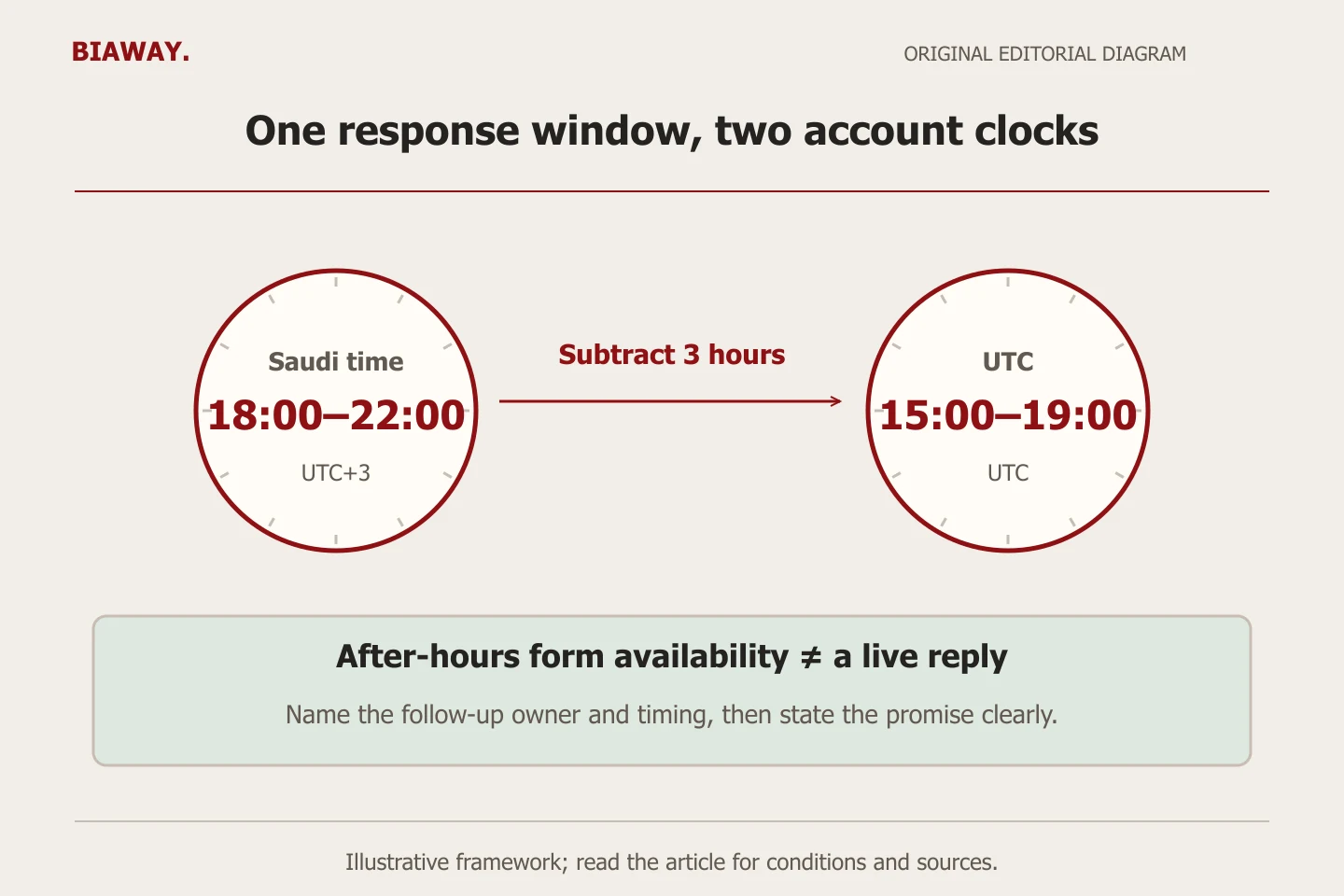
Suppose an invented supplier approves a response window of 18:00–22:00 Saudi time and its advertising account uses UTC. The corresponding account window is 15:00–19:00. This is a time conversion example, not evidence that evenings perform better. If the account already uses the Saudi time zone, no such three-hour subtraction is needed. Record both clocks explicitly so a later manager can reproduce the decision.
Now suppose another approved window runs from Monday 22:00 until Tuesday 02:00 in the same time zone as the account. Check both the late-Monday entry and the early-Tuesday entry; one Monday-only block is incomplete. When the account and customer clocks differ, map the dates as well as the hours before splitting the entries. Inspect the saved result rather than relying on the text of the request.
References: Google Ads: set up an ad schedule
Use Saudi coverage to plan who answers what
Consider a hypothetical team arranging appointments in Hofuf and Mubarraz within Al Ahsa. Its evening receptionist can discuss those local slots, while work in Dammam and Khobar needs next-day coordination with a different team. The useful distinction is response authority: can the person answering confirm the request, or only record it for review? State that limitation instead of promising immediate nationwide service.
A purchaser in Riyadh or Jeddah may ask for a remotely delivered service or for work at an Al Ahsa location. Across these Saudi Arabia locations the local clock is the same; adding separate campaigns for each city does not solve a missing handover. Use real delivery conditions and language capability when assigning requests. Biaway works online, and online availability should not be presented as proof of continuous live staffing or local branches.
Review response quality, not clicks alone
Before changing a schedule, save the current configuration and a dated hypothesis. For example, a narrower call-focused window may reduce enquiries that nobody can answer. Keep an aggregate record of received time, first response, service suitability and unresolved requests, with test activity excluded. You do not need customer message text in the planning sheet to count these outcomes.
Use comparable complete periods where possible and record changes to budget, offer, staffing or landing pages. A report grouped by hour is useful evidence, but a few clicks with no recorded enquiry are not enough to declare that hour worthless. Check what the report timestamps represent and allow for later customer actions. Mark sparse or incomplete evidence as inconclusive.
Decide in advance what would justify keeping, extending or restricting the window. More contact clicks without more received requests should trigger a measurement or delivery check. More suitable requests with a growing response backlog may call for staffing changes before longer advertising hours. Avoid changing schedule, keywords, geography and the offer together when you want to understand one scheduling decision.
Check spend expectations and the saved implementation
Do not treat fewer eligible hours as a guaranteed reduction in monthly cost. Google’s current scheduling guidance retains a monthly pacing basis of 30.4 times the average daily budget regardless of the number of active days. Confirm the actual budget type, limits and projected spend in the account. A shorter window may change where spending occurs without delivering the reduction an owner expected.
Before approving the change, compare every weekday and time block with the worksheet. Check the time zone, excluded periods, midnight boundaries and the contact-page response wording. Open the destination directly rather than clicking your own paid ad. Separately verify any changed form delivery or booking process through an authorized test; a correct schedule cannot establish that a message reaches the team.
References: Google Ads: about ad scheduling
Ask for a schedule you can maintain
A focused management brief should deliver the current-settings record, response-capacity worksheet, proposed schedule, approval and later review. Include the person who will update staffing exceptions and the person who can change the account. Separate this work from contact-form repair, booking integrations, bid-strategy changes and the media budget.
Biaway can discuss a scheduling review within an agreed Google Ads scope. Bring the offer and the actual way requests are handled rather than asking for universal best hours. The useful outcome is a defensible operating decision with evidence and ownership; it is not a promise that restricting or extending hours will produce a particular number of leads.
How this guide was prepared
Prepared with AI assistance, with platform and accessibility claims checked against the primary sources below at publication. The planning frameworks are Biaway’s editorial recommendations. Examples labelled illustrative are not client stories or measured results. Platform features and requirements can change.
Your questions.
01Should every Saudi service business advertise only during office hours?
No. Immediate-response offers need suitable staffing, while a reliable form or booking journey may support other hours. Match eligibility to the real promise and follow-up process.
02Does a website being online 24/7 mean ads should always run?
No. Website availability does not establish response capacity or commercial value at every hour. Assess how requests are received, assigned and followed up.
03Will a shorter schedule automatically reduce my monthly bill?
Do not assume that. Review the budget type, current pacing rules and projected spend separately from eligible hours.
04What if the hour-by-hour report contains little data?
Leave the conclusion uncertain. Use operational facts to prevent promises you cannot fulfil, and collect more comparable evidence before making a strong performance claim.