How do you plan shipping rules for a Saudi online store?

Write the delivery promise before configuring checkout. A destination-and-product matrix helps your team define eligible methods, charges and exceptions, then test what the customer actually sees.
In this guide
Write the delivery promise before configuring checkout
A useful shipping setup starts with a simple rule: for this product, this basket and this destination, what can the customer choose, what will it cost and what happens next? Record those decisions before opening the platform's shipping settings. Otherwise, a store can accept an order that the business cannot fulfil at the displayed charge.
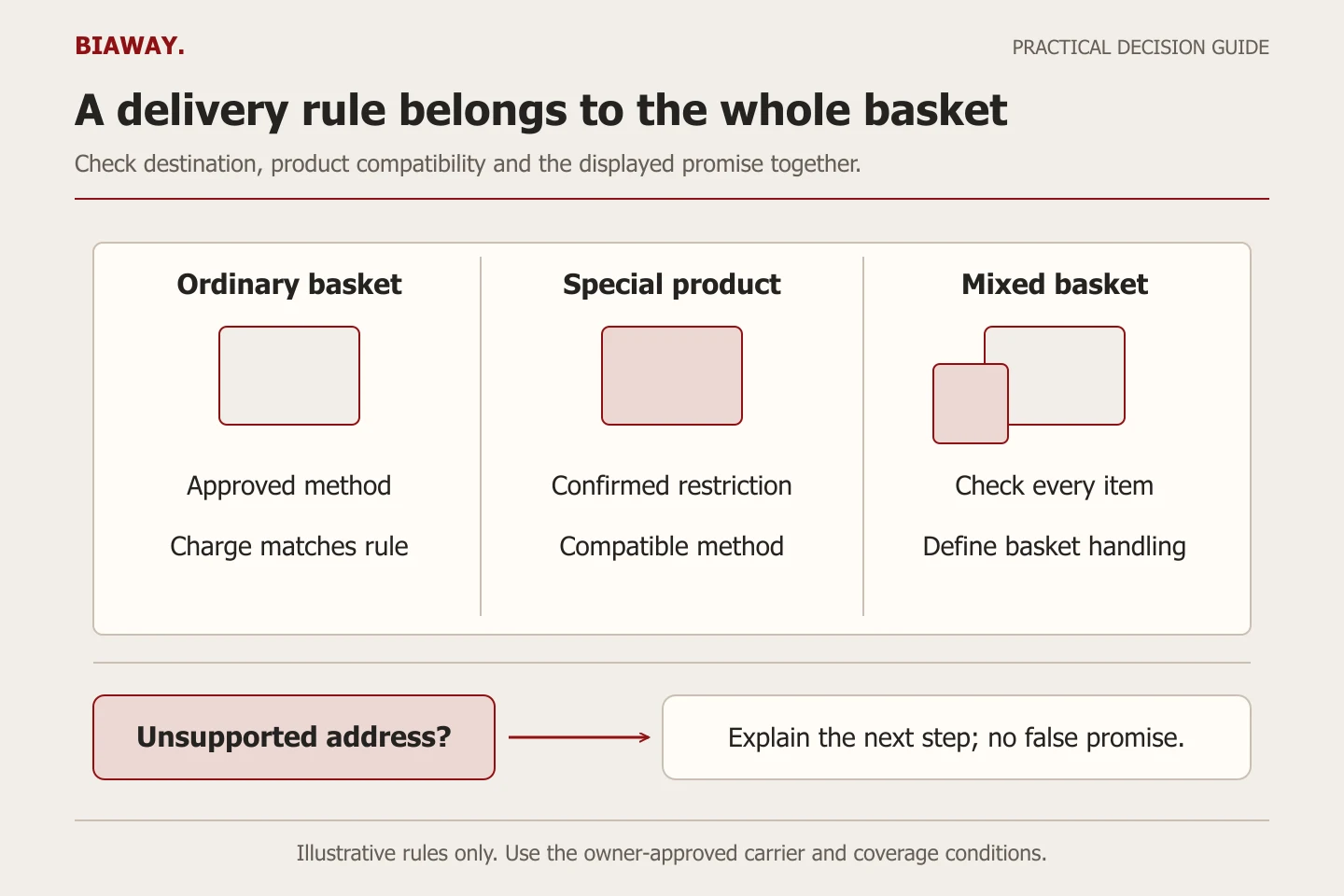
Keep three concepts separate: the area the business can serve, the method available for a particular order, and the price the buyer pays. The merchant owns the commercial promise. The website implementer translates approved rules into the chosen platform and tests the result. A nationwide-looking address selector is not evidence of nationwide delivery.
Create a destination and product matrix
Use representative product groups instead of listing every item when the rules are identical. Separate fragile, oversized, collection-only or other exceptional products only when the business actually has those constraints. Avoid creating special categories merely because the platform offers them.
The worksheet below is illustrative. 'Confirm' means the merchant must supply the answer; it does not imply a service is available. Attach the approving person's name privately in the project record and record when the rule was checked.
Scroll the table sideways to read every column.
| Order case | Method | Charge rule | Acceptance question |
|---|---|---|---|
| Ordinary parcel to a supported address | Confirmed carrier service | Owner-approved flat or calculated rule | Does the shown price match the agreed rule? |
| Address inside an approved local area | Local delivery if supported | Confirmed area and basket conditions | Does the actual address qualify? |
| Collection-eligible basket | Pickup where available | Approved collection terms | Are location and readiness instructions clear? |
| Special product mixed with ordinary items | Only compatible methods | Explicit mixed-basket treatment | Can every item use the selected method? |
| Unsupported address or basket | No unsupported promise | Do not invent a fallback charge | Does checkout explain the next step? |
Check how the selected platform represents your rules
Shopify describes shipping profiles as product-and-location rules, with general and custom profiles. Its documentation also notes an ongoing move toward shipping options by market, so the controls in a particular store may differ. Use current instructions for the actual account instead of copying an old screenshot.
Shipping zones and rates can express destination coverage and charge conditions. Local delivery is a separate capability with its own requirements. City names in marketing copy do not automatically configure those features. Ask the implementer to demonstrate how the chosen platform handles your actual service area, collection locations and exclusions; an app or custom rule is not automatically part of basic setup.
References: Shopify: shipping profiles · Shopify: shipping zones and rates · Shopify: local delivery for online orders
Test boundaries, not only a typical order
Most rule mistakes become visible near a boundary: a basket just below a free-delivery threshold, a weight just above a tier, a delivery address near the edge of an area, or a basket containing two differently handled product groups. Build a short test list around those transitions.
For an illustrative owner-approved free-delivery threshold of SAR 250, check baskets of SAR 249.99, SAR 250 and SAR 250.01. Then check the same cases with an applicable discount. These numbers demonstrate a test method, not Biaway's shipping policy or a recommended retail threshold. Confirm whether the platform evaluates the amount before or after the discount and whether excluded items affect eligibility.
Shopify warns that uncovered rate tiers can leave an order without a valid shipping rate; it also documents combined rates for mixed profiles. Test the final charge for a mixed basket rather than assuming that one visible product rule determines the whole order.
References: Shopify: shipping zones and rates
Keep weights, timing and checkout language consistent
Weight-based rules require accurate product weights. Ask separately how packaging is represented and whether the selected integration uses dimensions or another chargeable-weight calculation. A carrier's current quotation and the checkout configuration should be reviewed together; do not silently substitute a guessed weight or promise a carrier rate that has not been confirmed.
Distinguish preparation from transit in your customer wording. 'Dispatched after preparation' and 'arrives tomorrow' are different promises. State only the timing the merchant and fulfilment partners can support, and clarify conditions where necessary. Translate the substance into Arabic and English, including exclusions, rather than translating only the method name.
Use collection wording for collection. A zero-priced shipping option ambiguously called 'free delivery' can mislead a buyer who is actually expected to collect. Confirm that the final confirmation explains the selected method and that staff receive the same information.
References: Shopify: shipping zones and rates
Build Saudi city cases around actual operations
An illustrative Saudi Arabia store might offer collection at its own confirmed locations in Hofuf and Mubarraz within Al Ahsa, local delivery to selected Dammam and Khobar addresses, and a carrier service to Riyadh and Jeddah. This is a test scenario, not a claim that Biaway or any unnamed merchant operates those locations. Each arrangement needs actual addresses, coverage conditions and an operational owner.
Create an Arabic and English test basket for each different rule, plus an unsupported address. If Dammam and Khobar follow the same rule, one configuration can serve both without creating duplicate pages. If parts of Al Ahsa are excluded, say so accurately instead of implying that naming Hofuf and Mubarraz covers every address. Biaway's online service can implement approved rules remotely; it does not establish physical branches or logistics coverage.
Approve the test evidence and the future update owner
For each case, save the input basket, destination, displayed method, charge, message and observed order record. Mark test orders clearly and use the platform's authorized test process so staff do not pack them or count them as sales. Have the business approve the commercial result and the implementer approve the technical behavior.
Biaway's ecommerce catalogue checked on 16 October 2026 lists SAR 700 one-time setup, up to 25 products and basic shipping/delivery settings, with local delivery and pickup where supported or applicable. A custom routing engine, negotiated carrier contract or complex fulfilment integration needs separate scope confirmation. Carrier fees and operational promises must come from the merchant's actual arrangements.
Name the person who updates rules when charges, coverage, products or preparation times change. Repeat the affected boundary tests after an update. A shipping setup is useful only while the configuration and the business promise remain aligned.
References: Biaway: published ecommerce scope
How this guide was prepared
Prepared with AI assistance, with platform and accessibility claims checked against the primary sources below at publication. The planning frameworks are Biaway’s editorial recommendations. Examples labelled illustrative are not client stories or measured results. Platform features and requirements can change.
Your questions.
01Can I set one shipping price for all of Saudi Arabia?
Only if that matches the business's actual costs, coverage and product restrictions. Confirm unsupported destinations and exceptional baskets instead of assuming that a single price makes every order fulfilable.
02Why does checkout say that shipping is unavailable?
Inspect the actual destination, basket, product rules, weights and rate conditions. A missing or incompatible rule can cause the message, but the exact cause must be checked in the chosen platform.
03Does free shipping mean delivery has no cost?
No. It describes the charge shown to the buyer. The merchant still needs to understand its fulfilment costs and approve how the offer is funded.
04Is a custom delivery app included in basic store setup?
Do not assume it is. Confirm whether the required rules are supported natively and obtain a separate scope for subscriptions, integrations or custom logic where needed.