What should a dental clinic website include?
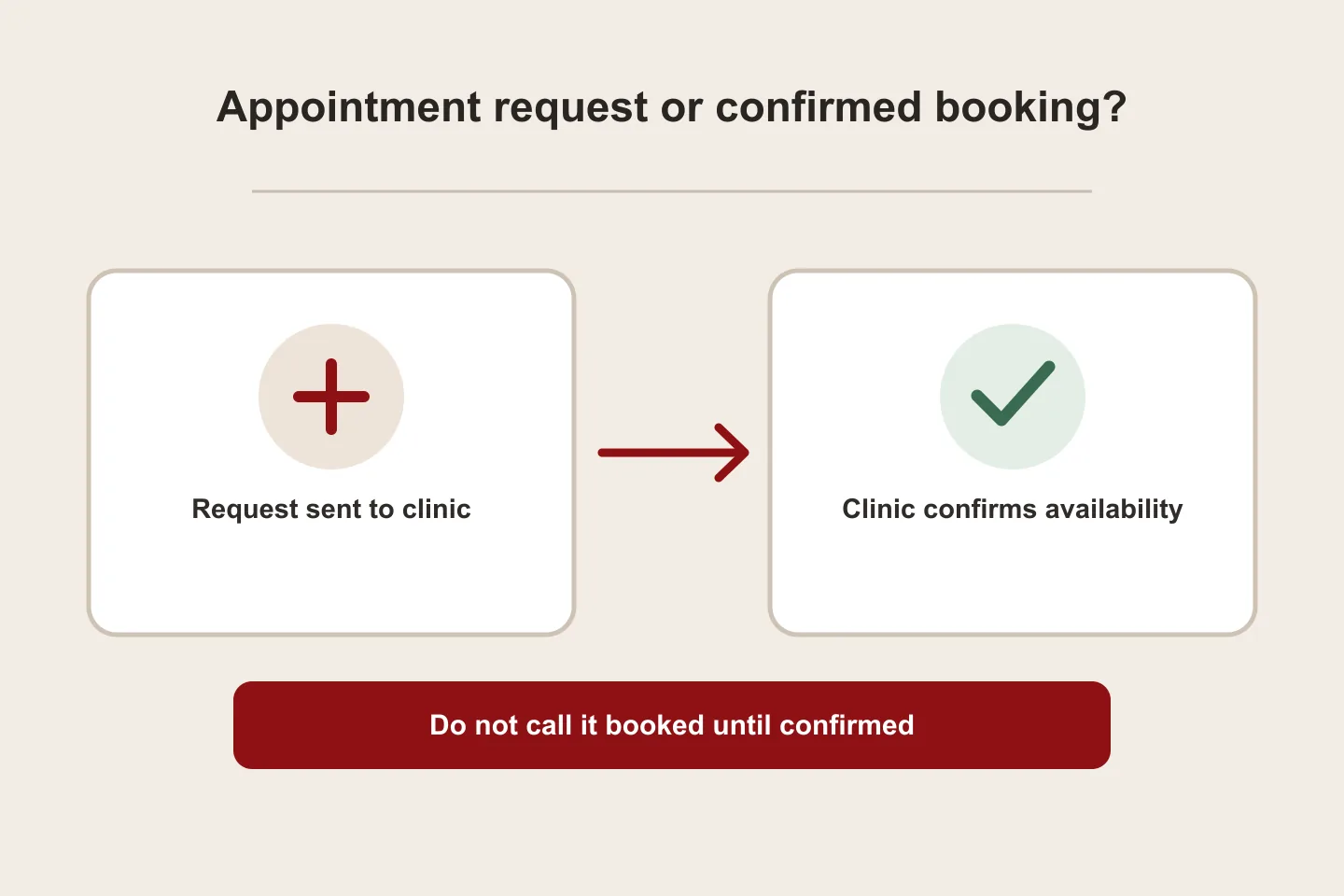
A useful dental-clinic website answers four questions quickly: what care the clinic actually offers, who provides it, how a patient can ask for an appointment, and what happens after sending that request. Start with verified information and a simple mobile journey. A contact form is an appointment request, not a confirmed booking unless it connects to a working scheduling system.
In this guide
Answer the patient’s first questions before adding features
A dental clinic site should make its real services, clinician information, location or service area, contact route and appointment process easy to find. A small, well-organised site can answer those questions better than a crowded page full of unsupported claims. Separate each treatment into plain-language information reviewed by the clinic; the website studio should not invent clinical advice, practitioner credentials, insurance acceptance or outcomes.
Place a clear action beside the relevant information: call, open WhatsApp, or send an appointment request. Say whether the clinic will contact the patient to confirm. Do not label a message form “instant booking” unless a live calendar checks availability and returns a confirmed appointment.
Organise pages around services and verified clinicians
Use a simple structure: Home; Treatments; a page for each priority service; Our clinicians; About the clinic; Location and contact; and an appointment-request page or section. Add fees, insurance or payment details only after the clinic confirms what is current and applicable. Keep opening hours and directions easy to update.
A clinician profile can state the approved name, professional role, qualifications the clinic has verified, languages spoken and the services the clinician actually provides. Ask the clinic to approve every credential and image before publication. A profile is not a substitute for medical advice or a promise of a treatment result.
Make the appointment request specific and usable
Collect only details the clinic needs for a first response: a name, preferred contact method, and a short request such as treatment area and preferred time. Explain what is required and what happens next. Provide a phone or WhatsApp alternative for people who do not want to use a form. Do not invite visitors to enter detailed medical histories in an ordinary marketing form.
W3C WAI recommends labels that clearly identify form controls and instructions for required or optional information. Use a visible label for every field; do not rely on placeholder text alone. Test the form on a phone, check that keyboard users can complete it, and verify the message reaches the clinic inbox. A success screen should say “request received” unless the system has actually reserved an appointment.
References: W3C WAI: Labeling Controls in Forms · W3C WAI: Form Instructions
Choose between a request form and a real booking system
A request form is usually the simpler starting point: a patient shares preferred times and the clinic confirms availability by phone or message. An online booking integration is a separate functional scope. Before commissioning it, identify the calendar or practice-management system, providers and locations, appointment types and lengths, availability rules, cancellation process, confirmations, reminders, access controls and who supports failures.
Ask the supplier to demonstrate the complete flow with a test appointment: available slot, successful booking, duplicate attempt, cancellation and notification. If any part is manual, tell the visitor. A visual calendar mock-up is not a working scheduling integration.
Plan Arabic and English as equivalent visitor journeys
For Saudi audiences, decide whether the clinic needs Arabic only or Arabic and English based on the patients it actually serves. Translate treatment explanations and navigation carefully; do not leave an English booking instruction on an Arabic form. Keep equivalent pages connected with a clear language switch and correct page relationships. Google’s localized-page guidance supports separate language URLs with reciprocal language annotations where the pages are genuinely equivalent.
References: Google Search Central: Localized Versions of your Pages
A Saudi coverage example without creating city-copy pages
A clinic serving Al Ahsa can explain its real address, parking and contact route in Hofuf or Mubarraz (both within Al Ahsa). A practice in Dammam or Khobar should provide directions to its own location, while an online enquiry route can also work for patients comparing clinics from Riyadh or Jeddah. Mention Saudi Arabia in the clinic’s service context, not as a repeated city list. Biaway works online across Saudi Arabia and does not claim a clinic branch in these cities. Create location pages only where the clinic has distinct, accurate information for a real location.
Use this acceptance checklist before launch
Run each item with clinic-approved information and verify the real user flow before launch.
- Clinic has approved every treatment, clinician, credential, image, address and opening hour.
- A visitor can find the right service, directions and contact route from a mobile screen.
- Each form control has a visible label, clear required/optional instructions and a useful error message.
- A test request reaches the intended clinic inbox; a success message accurately says whether the appointment is requested or confirmed.
- Arabic and English pages are reviewed by a fluent person and have working language links.
- If booking software is integrated, the clinic has tested availability, confirmation, cancellation and notification paths.
- The clinic has named who updates hours, clinicians and treatment details after handover.
Turn the checklist into a scoped website brief
Before requesting a proposal, list the pages, languages, approved content, contact destinations, image responsibilities and any integration in a one-page brief. Ask what is included in design, copy preparation, mobile testing, form delivery and post-launch support. Biaway’s published website packages describe general website scope; a clinic-specific booking integration should be confirmed and quoted separately rather than assumed.
How this guide was prepared
Prepared with AI assistance, with platform and accessibility claims checked against the primary sources below at publication. The planning frameworks are Biaway’s editorial recommendations. Examples labelled illustrative are not client stories or measured results. Platform features and requirements can change.
Your questions.
01Does a dental clinic website need online booking?
Not always. A clear request form with a stated confirmation process can be enough. Use online booking only when the clinic has a supported scheduling system and has tested availability, confirmations, changes and cancellations.
02What should a dental clinic put on its website?
Verified treatments, approved clinician profiles, clinic location and hours, contact options, accessible appointment-request instructions, privacy information and clear next steps. Publish only details the clinic has approved.
03Should the clinic website be in Arabic and English?
Choose languages for the patients the clinic serves. If both are needed, give each language a complete journey and link equivalent pages; do not rely on a language switch that leaves forms or key information untranslated.
04Can one contact form confirm an appointment?
Only if it is connected to a working schedule that reserves the chosen slot and confirms it. Otherwise, describe it as a request and explain how the clinic will respond.
05Can Biaway build clinic websites across Saudi Arabia?
Biaway delivers its services online. A project brief can be discussed with clinics in Hofuf and Mubarraz within Al Ahsa, Dammam, Khobar, Riyadh and Jeddah; that coverage does not mean Biaway has an office in each city.