Is your Saudi store's product data ready for Google Merchant Center?

Start with a small approved product sample and compare what the business knows, what the page says and what the integration sends. Resolve the differences before treating Merchant Center setup as complete. Readiness, submission, approval and sales need separate evidence.
In this guide
Define readiness before buying more advertising
A store can work for a visitor while its product information is still unsuitable for a Merchant Center submission. Start by asking whether the business can supply consistent, current evidence for each product and keep that evidence synchronized with the buying page. This is a preparation decision, not a promise that Google will approve the account, display every item or produce profitable sales.
Separate three jobs in the quotation: operating the online store, preparing or connecting its product data, and managing advertising. A working checkout does not establish that the second job is complete. Likewise, submitting data does not prove the third is justified. Identify what is actually missing before purchasing a larger campaign or assuming a basic store package includes every integration.
Assign an owner to the facts that can change
Make a short responsibility register for product identity, price, availability, images, delivery and the approved description. Name the business system or authorized person that controls each fact. The merchant can assign its own unique id, using a SKU where possible, and keep it stable across updates and language versions. Never fabricate a GTIN or manufacturer-assigned MPN. Verify those identifiers and apply the relevant attribute rules when they are unavailable. An empty stock cell is not unlimited supply; keep unknown stock values visible until the business resolves them.
Google's product data specification defines requirements attribute by attribute. Some requirements depend on the product, destination or programme, so use the current specification and integration documentation. Your internal catalogue worksheet is an input, not automatic proof that the submitted data meets those rules. Keep supplier costs, private notes and unrelated customer information out of the public product source.
References: Google Merchant Center: product data specification · Biaway: product and variant records
Run a small product pilot with deliberate exceptions
The following original worksheet describes an invented five-item pilot. It is not a catalogue of Biaway products, a market-price comparison or a ready-to-upload feed. Choose representative real items from your store and check their published pages beside the data that the integration actually sends. Do not assess readiness only from an unsubmitted spreadsheet.
Include a simple product, a variant, an unavailable item and a recent change. Give each discrepancy an owner and repeat the relevant test after correction. Avoid importing the full catalogue while the same unresolved mapping problem is still present in the sample.
Scroll the table sideways to read every column.
| Sample case | Evidence to compare | Example discrepancy | Acceptance decision |
|---|---|---|---|
| One simple item | Approved facts, page and submitted fields | An accessory appears included only in the image | Clarify the actual offer before submission |
| A size variant | Selected option, image and destination | Data describes small; page opens large | Resolve the variant mapping |
| An unavailable item | Stock source, page and submitted availability | Checkout allows an unapproved purchase | Confirm the operating rule and correct it |
| A changed price | Approved current price and all public outputs | Page shows SAR 150; submitted value remains SAR 145 | Update from the authorized price source |
| A bilingual item | Arabic/English data and matching journeys | Arabic title leads to an English-only decision page | Prepare and verify the language pairing |
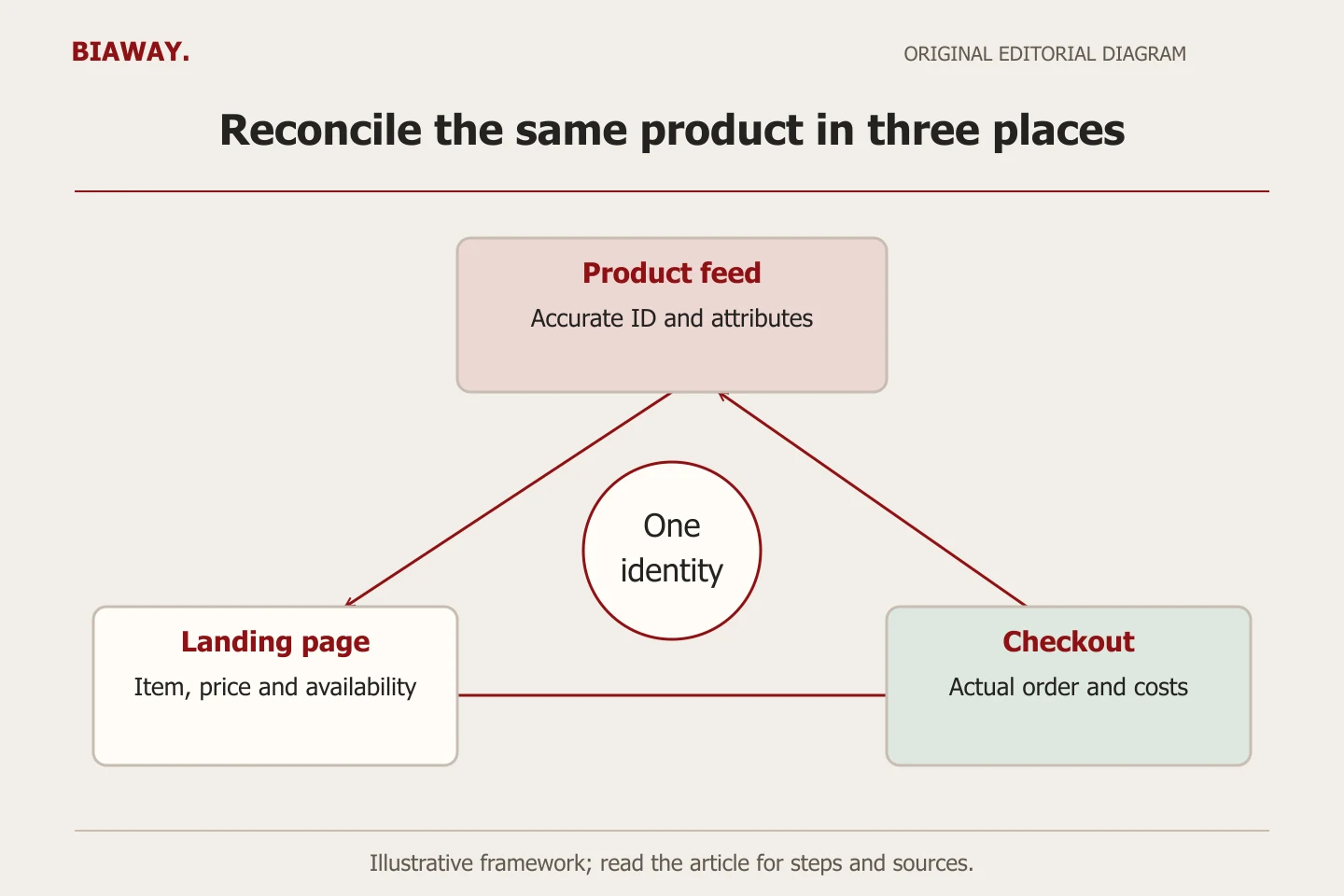
Treat each language as a complete buying journey
Google lists Arabic and English as supported languages and Saudi Arabia with SAR among supported markets and currencies. Its guidance requires consistency between product-data language and the landing page's buying information. That makes a translated title alone an incomplete readiness check. Verify the relevant product details, variant choices and checkout instructions in the intended language.
Use one approved product fact sheet for both language teams, then write naturally for each audience. A translation must not change a quantity, material or included accessory. Keep the two review records linked to the same actual item so a later correction reaches both. Do not create fictitious duplicate inventory simply because the customer-facing name changes language.
References: Google Merchant Center: supported languages, countries and currencies · Biaway: bilingual product descriptions
Verify how corrections travel through the system
An initial match can become stale after a normal business change. Choose one authorized non-disruptive test or inspect a real recent update: where was the price changed, when did the website reflect it, and when did the submitted source reflect it? Record the observed sequence and any unresolved delay. Do not promise instant synchronization without checking the actual platform and connector.
Ask who notices a failure and how the team prevents conflicting manual edits. If the page is fixed in one place while an automated source keeps restoring the old value, the correction is incomplete. Keep a dated issue register with product reference, affected field, responsible owner and recheck evidence. Use only the minimum information needed; a catalogue QA record should not become a customer-data archive.
Keep Saudi delivery differences separate from product identity
Imagine a Saudi Arabia retailer offering collection in Hofuf and Mubarraz within Al Ahsa, delivery to Dammam and Khobar, and shipping to Riyadh and Jeddah where its actual arrangements permit it. The same product keeps the same physical characteristics. Destination-specific availability, charges or delivery promises need accurate operating rules rather than city names repeated inside the product description.
Test the real permitted and excluded cases. A national-looking product page should not conceal that a particular item cannot be delivered to a selected address. The merchant approves the policy and the implementer verifies what the chosen system can represent. Biaway can support the website and scoping online; the example does not claim Biaway warehouses, retail branches, customers or shipping services.
Keep submission, page markup and visibility separate
A product data source sent to Merchant Center and product structured data on a website are separate implementation surfaces. Google's documentation describes ways these can support product experiences, but neither should be treated as a magic approval switch. Record which surfaces your project actually includes, who maintains them and how their values are checked against the visible offer.
Keep a status ledger with what was submitted, the actual account or item status observed, the date and any stated issue. Fix the reported underlying problem using the applicable current guidance before seeking another review. Do not describe a successful upload, a valid page or a clean technical test as proof that a product is visible to shoppers or making sales.
References: Google Search Central: merchant listing structured data
Commission a bounded readiness review
Ask for deliverables you can inspect: the sample selection, field mapping, language checks, discrepancy register, correction ownership and a written list of unresolved requirements. Define whether the project includes a connector, manual source preparation, account setup, policy review or only website changes. Product-category restrictions and business verification can require information the merchant must supply; a supplier should not guess it.
Biaway's ecommerce and advertising services can be discussed against this brief, but specialist feed work is not automatically included in a basic package. Start with an approved sample and your platform details. A useful review tells you what is ready, what needs correction and what remains unknown, allowing the next investment to follow evidence rather than the assumption that more promotion fixes incomplete data.
References: Biaway: website and store setup scope
How this guide was prepared
Prepared with AI assistance, with platform and accessibility claims checked against the primary sources below at publication. The planning frameworks are Biaway’s editorial recommendations. Examples labelled illustrative are not client stories or measured results. Platform features and requirements can change.
Your questions.
01Does launching my store automatically put its products in Merchant Center?
No. Identify how product data is supplied and which setup work is actually included. A working store and a verified product submission are different deliverables.
02Can Arabic and English product titles point to any language page?
Follow Google's language requirements and verify the matching buying journey. A translated title does not make an unrelated or incomplete language destination suitable.
03What if the supplier has not provided a product identifier?
First distinguish the identifier types. The merchant can assign a unique internal id, using a SKU where possible, and preserve it across updates and language versions. Do not guess or fabricate GTINs or manufacturer-assigned MPNs. Verify these against an appropriate source and follow the applicable attribute rules if they are unavailable.
04Does a successful upload guarantee approval or sales?
No. Record actual item/account status separately from submission and commercial outcomes. Availability, technical validation, approval, visibility and sales are different observations.